
How to automate lead & account lists creation?
Ask an AI assistant connected to the Evaboot MCP server to turn a search into a list. It pages through the Sales Navigator search and saves the results into a new lead or account list.
You no longer tick checkboxes 25 leads at a time.
Before you start
Section titled “Before you start”- Connect your assistant to the Evaboot MCP server. Claude, ChatGPT, Cursor and VS Code work: see How Do I Use Evaboot from Claude, ChatGPT or Cursor?.
- Connect a Sales Navigator account. The list is created on your own Sales Navigator seat.
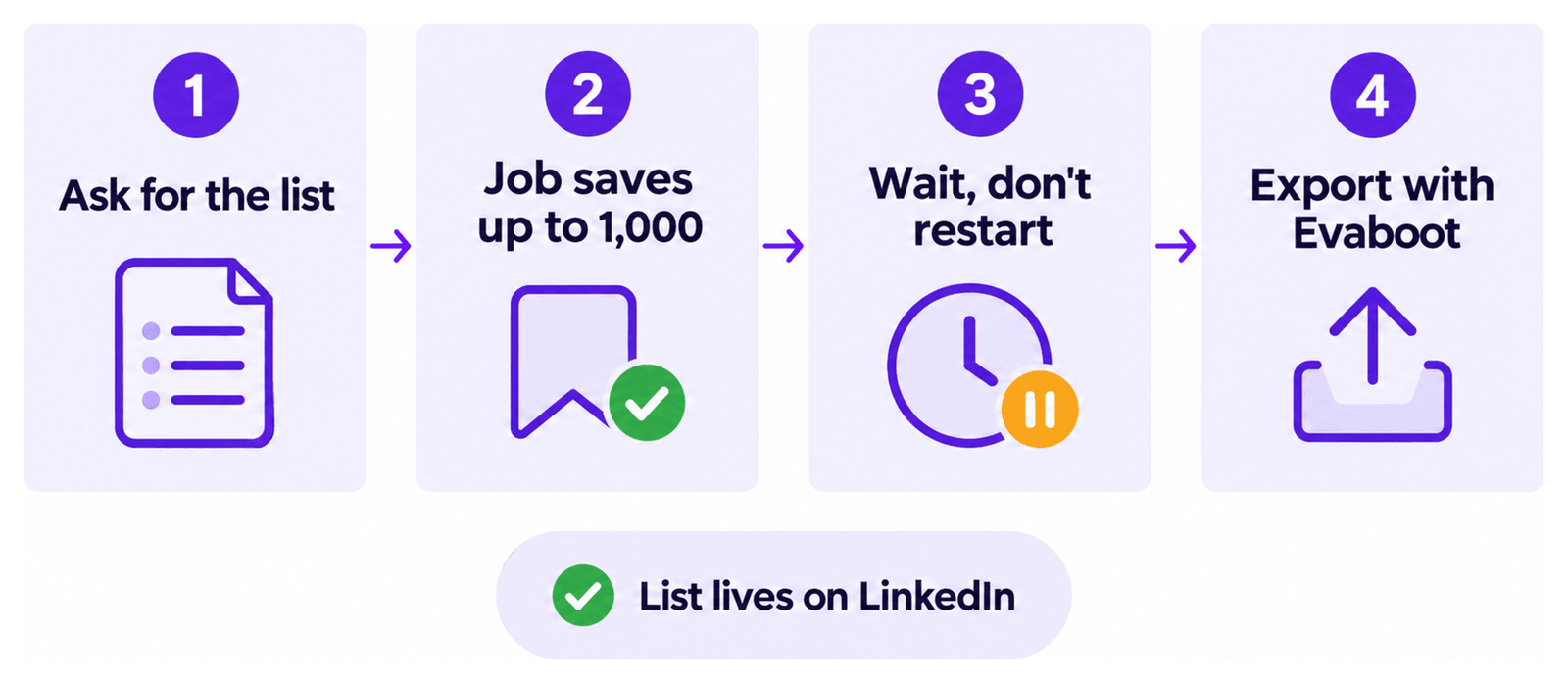
- Ask for the list. Describe the audience and say whether you want a lead list or an account list. For example: “Save HR directors at French SaaS companies into a new lead list.”
- Let the assistant run the job. Each job saves up to 1,000 results into a new list.
- Wait for the job to finish. It runs for several minutes. Ask the assistant to check its progress.
- Do not start the job again because it looks slow. That re-runs it and leaves you with duplicate lists.
- Export the list. Open it in Sales Navigator and click Export Leads, or ask the assistant to export it.
Good to know
Section titled “Good to know”- The list is real. It is saved to your LinkedIn account, not inside Evaboot. If the assistant deletes it later, it is gone from LinkedIn too.
- Describing an industry can create extra account lists. To find companies in an industry, the assistant may run a company-first search. That search saves account lists on your seat while it works.
- One list holds up to 1,000 results. For a bigger search, split it into smaller searches and build one list per search: see How Do I Export a Search With More Than 2,500 Leads?.
If it didn’t work
Section titled “If it didn’t work”- The job fails. Tell us in the chat.
- You have the same list twice. The job was started twice. Ask the assistant to delete the extra list.