
How do I change the email address I log in with?
Moving your account to a different email address is handled by support. The dashboard has no transfer button. The Account page cannot change your sign-in email.
What to send us
Section titled “What to send us”Email contact@evaboot.com from the address currently on the account, or start a chat while signed in to it, with:
- The current email address on the account.
- The new email address you want to use.
Either way, writing from the current account is how we confirm the request is really yours. If you no longer have access to that mailbox, tell us. We will find another way to verify.
Do I need to create the new account first?
Section titled “Do I need to create the new account first?”No. Do not sign up separately with the new address before writing to us.
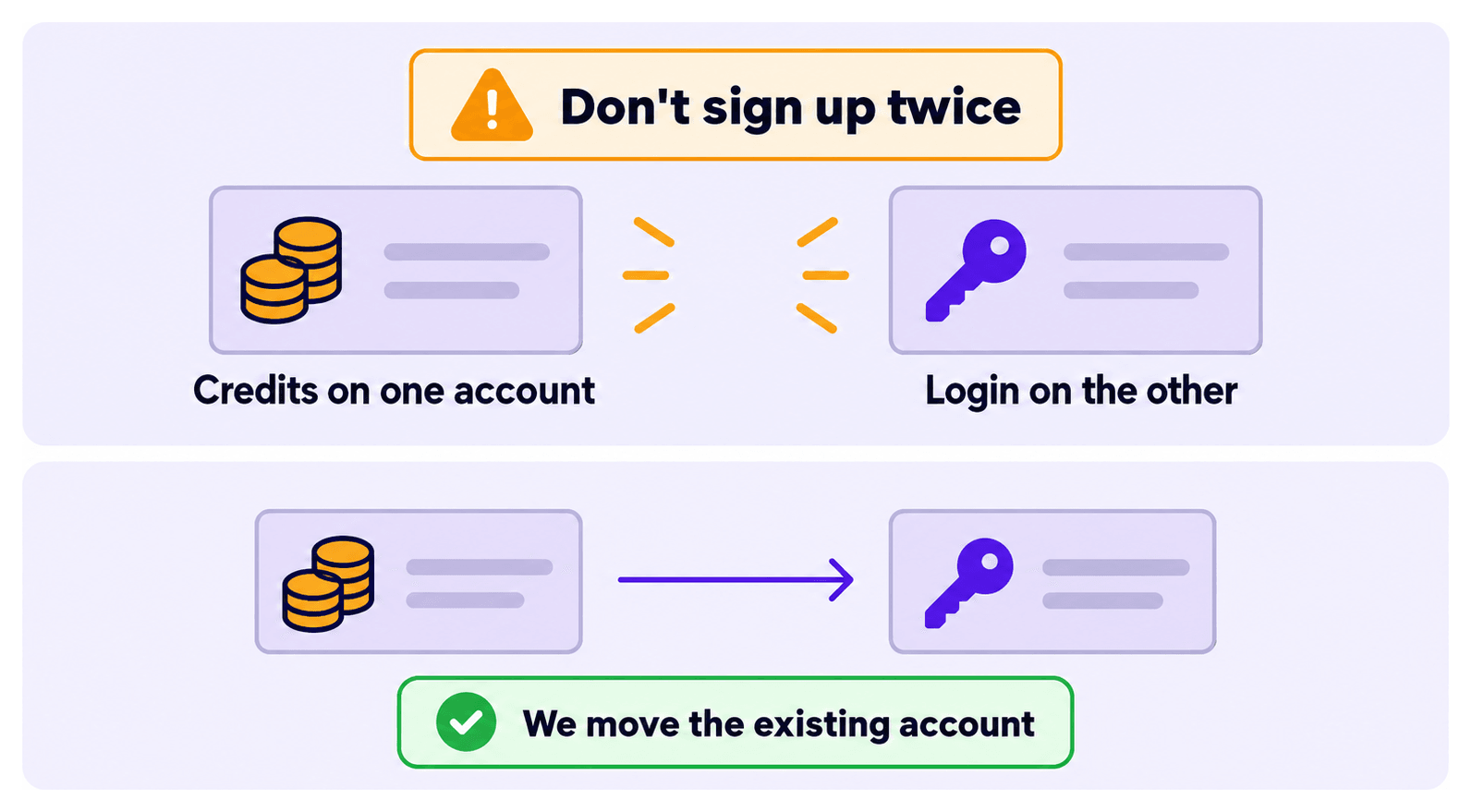
Creating a second account first is the usual cause of a stuck transfer. Two accounts then exist, the credits sit on one and the login on the other. Let us move the existing account instead.
What moves with it
Section titled “What moves with it”The account itself travels intact:
- Your credit balance
- Your export history
- Your team, if you have one
Tell us if there is an active subscription. We will confirm how billing moves.