How to change my subscription?
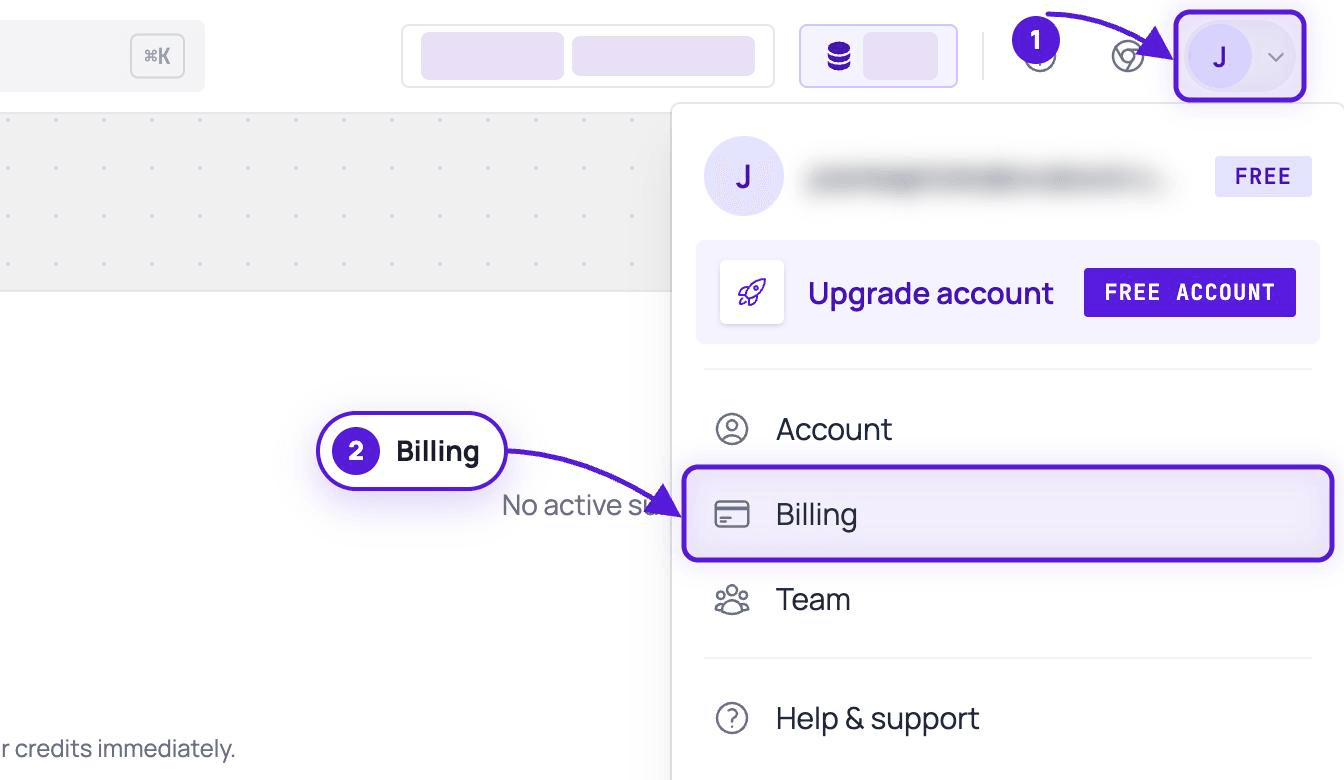
Plan changes happen on Billing in the Evaboot dashboard: dash.evaboot.com/dash/subscription/.
-
Open Billing. Your current plan, its price and its renewal date are on the right of the first card.
-
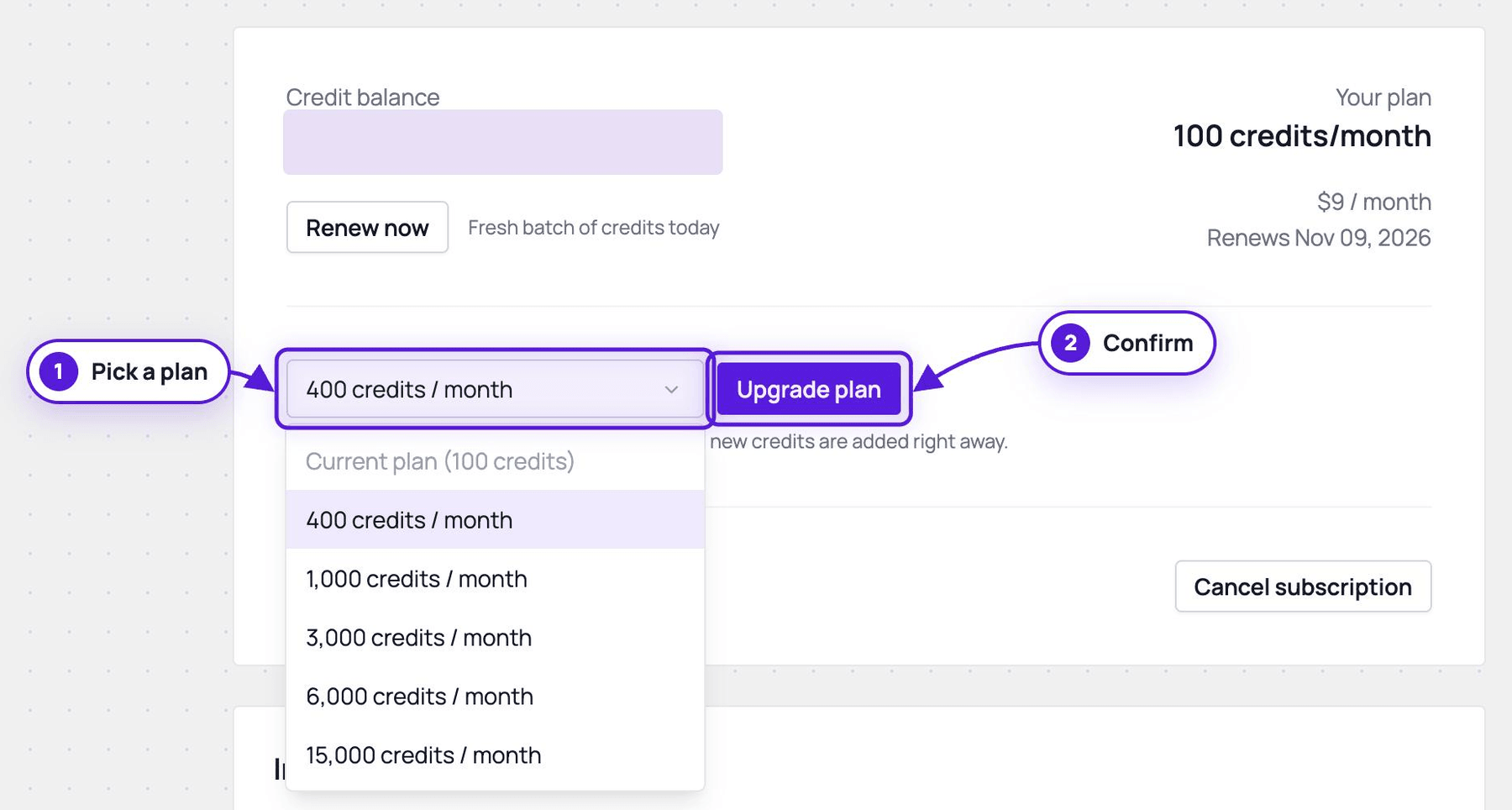
Open the plan selector and pick the size you want. Plans run from 400 to 15000 credits per month, and your current one is marked. Need more than 15000 credits a month? For enterprise plans, contact us.
-
Confirm with the button next to the selector. It reads Upgrade plan when you pick a bigger plan and Downgrade plan when you pick a smaller one. The line underneath tells you what you are about to be charged.
This selector changes the size of your plan. It does not change your billing cycle. A monthly subscription stays monthly and a yearly one stays yearly.
What each change does
Section titled “What each change does”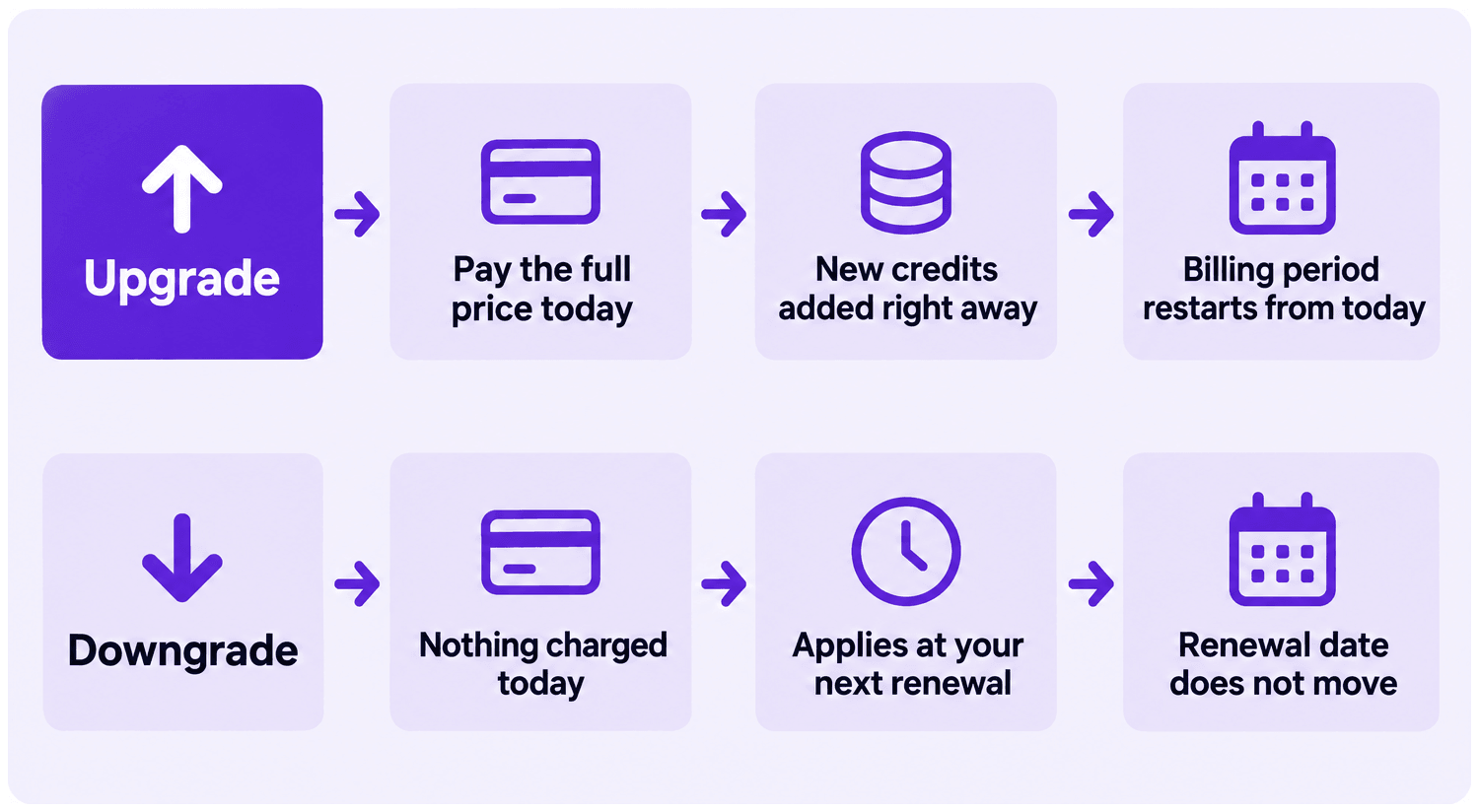
Upgrade. You pay the full price of the new plan today and the new credits are added right away. Your billing period restarts from today, so your renewal date moves.
Downgrade. The change applies at your next renewal. Nothing is charged today and your renewal date does not move.
If your plan is no longer offered. You keep your current plan, price and monthly credits for as long as you stay on it. If you change plan, you pick from the current plans: a retired plan cannot be chosen again. Some custom prices need to go through support: contact us.
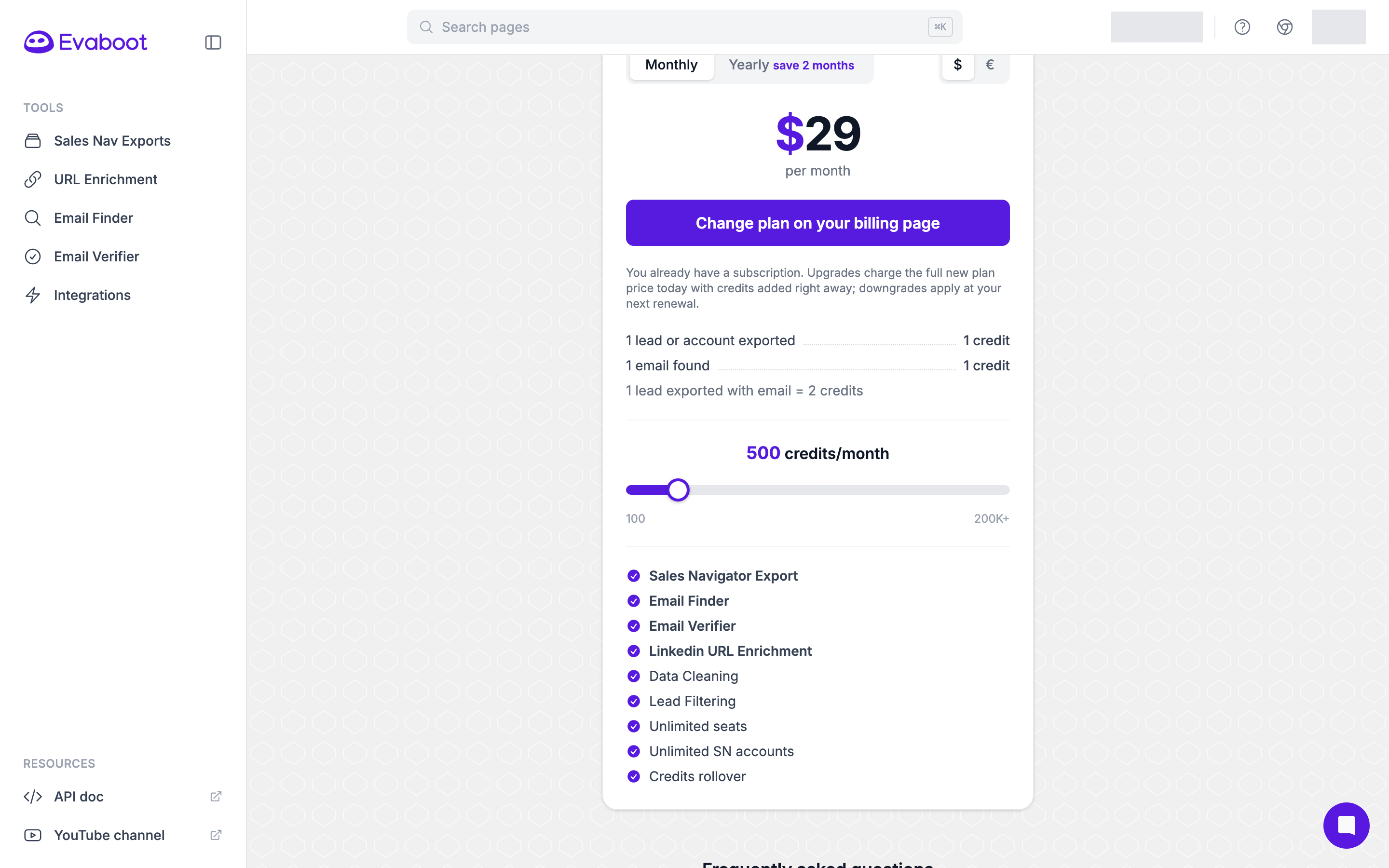
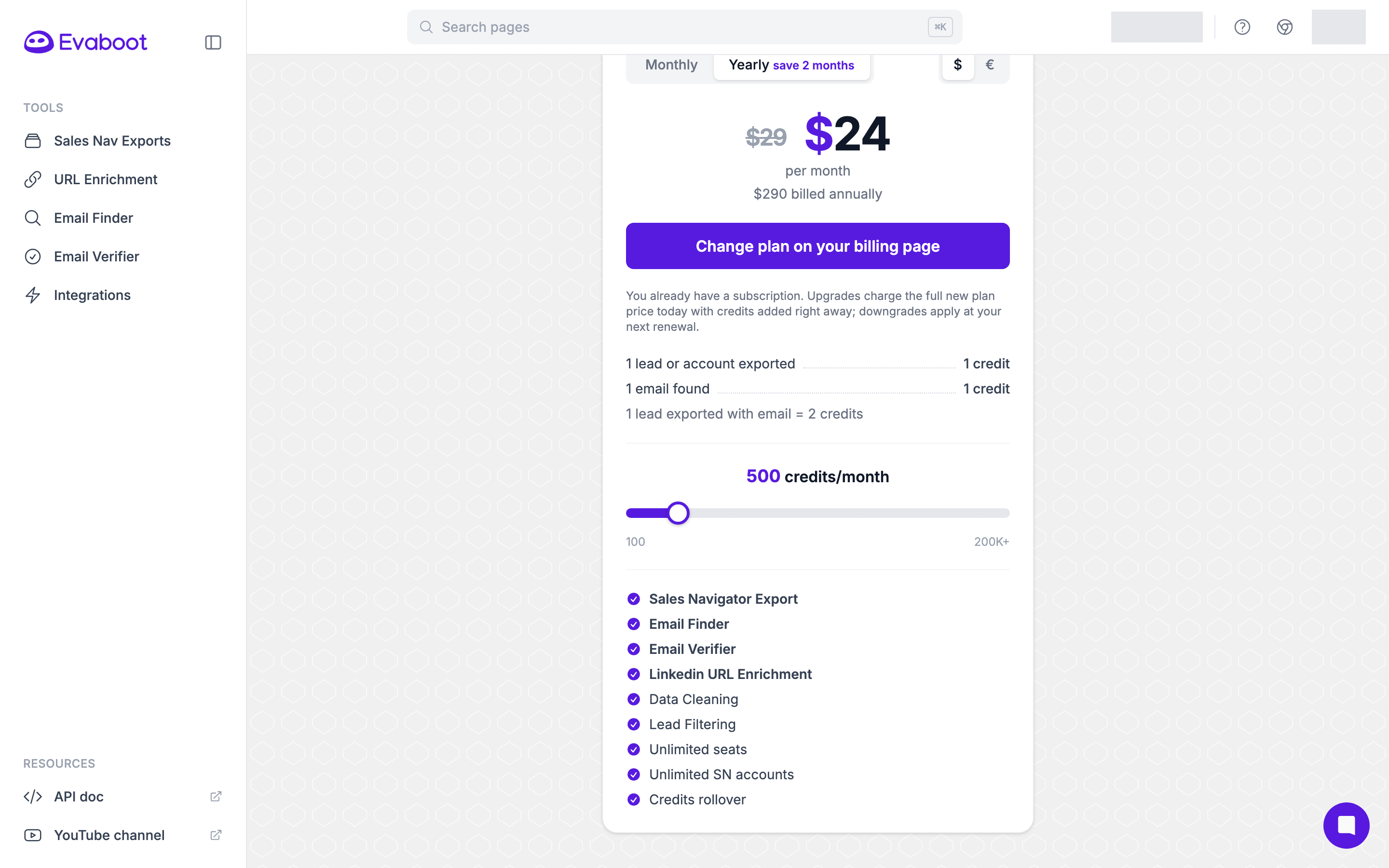
Monthly to yearly, or yearly to monthly. You pick your billing cycle when you subscribe. Once a subscription is running, the selector cannot change it. The Pricing page sends you back to Billing rather than to a checkout. Contact support to switch cycle.
Yearly plans. A yearly subscription cannot be downgraded before the end of the contract. To upgrade it, contact support.
Where the prices are
Section titled “Where the prices are”Monthly and yearly prices for every plan are on the Pricing page.