
How does the Evaboot credits system work?
Credits pay for the work Evaboot does: exporting leads, finding emails, verifying emails, and enriching LinkedIn URLs.
The formula
Section titled “The formula”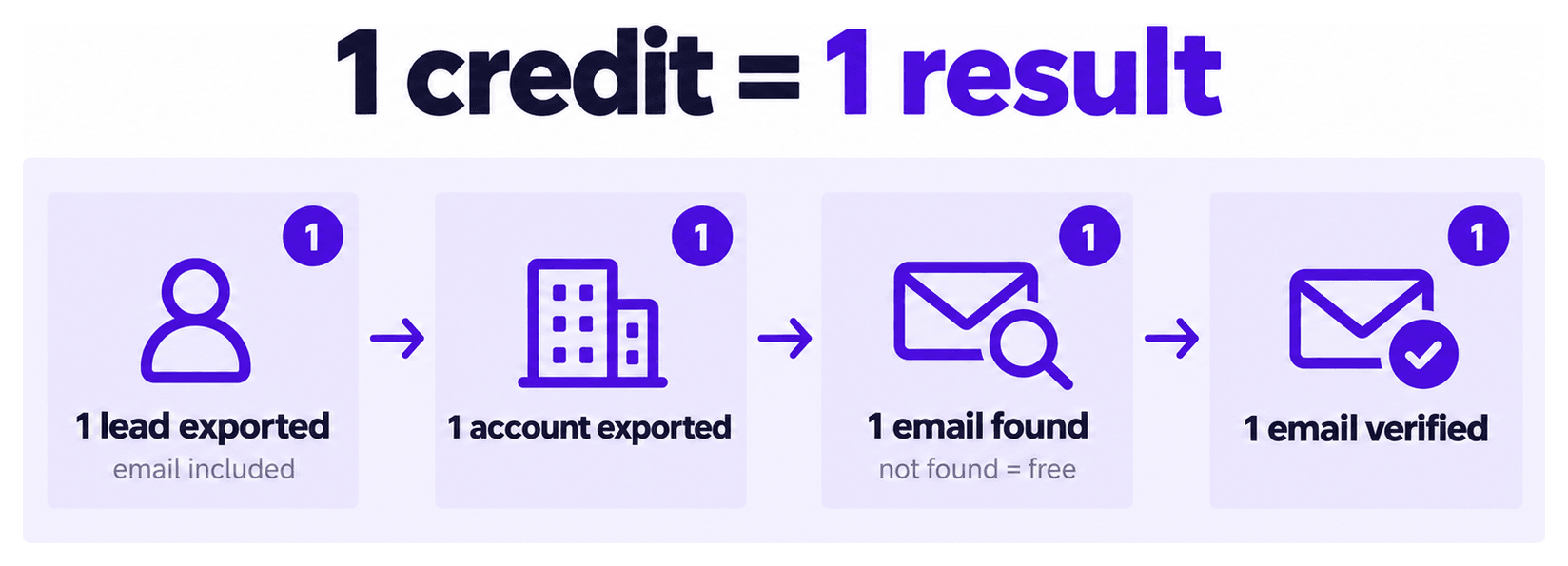
- 1 lead exported = 1 credit, its verified email included. Every lead export finds emails automatically.
- 1 account (company) exported = 1 credit
- Email Finder: 1 credit per email found. Nothing is charged when no email is found.
- Email Verifier: 1 credit per email checked.
- URL Enrichment: 1 credit per URL.
Two examples:
- 1,971 leads, every one with an email found: 1,971 credits
- A 1,000-credit plan: 1,000 leads, emails included
The lead count Sales Navigator shows before you export is close to what the export costs. The difference is about 0 to 20 leads, depending on list size. If more than 100 leads are missing, that is a bug: contact support.
Why the lead itself costs a credit
Section titled “Why the lead itself costs a credit”Evaboot does not just copy your Sales Navigator search results. It opens each profile and its company page, then collects the data and cleans it (emojis, capitals, typos). It filters out leads that do not actually match your search filters. That work happens whether or not an email is found afterwards.
Can I pay only for the leads with emails?
Section titled “Can I pay only for the leads with emails?”No. A lead costs 1 credit whether or not an email is found for it, because the export work above is done for every lead. There is no option to export leads without emails.
A lead with no email is still a lead you can contact. Filter your file after download to separate them, then run them through another email finder or reach them on LinkedIn: the profile URL is in the export.
An export is paid for as a whole
Section titled “An export is paid for as a whole”You pay for a complete export, not for part of it. You cannot pay for a subset of the leads. If your balance is smaller than the export, upgrade your plan or run a smaller search.
Once an export is paid for:
- Download it as many times as you like, at no extra cost
- Filter the file afterwards on your own machine, at no extra cost
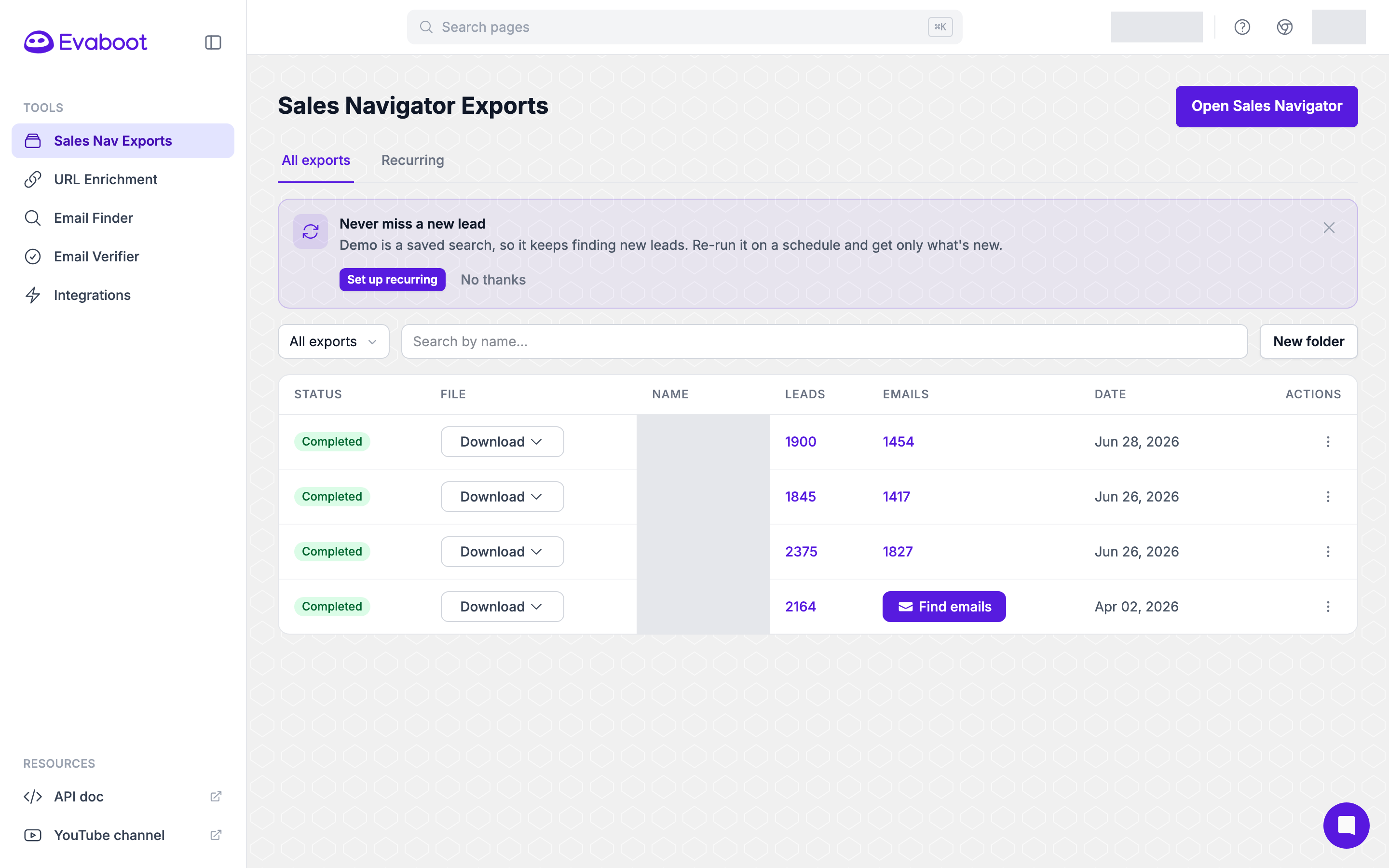
The Download menu offers the same export as CSV or XLSX. Neither costs a credit.
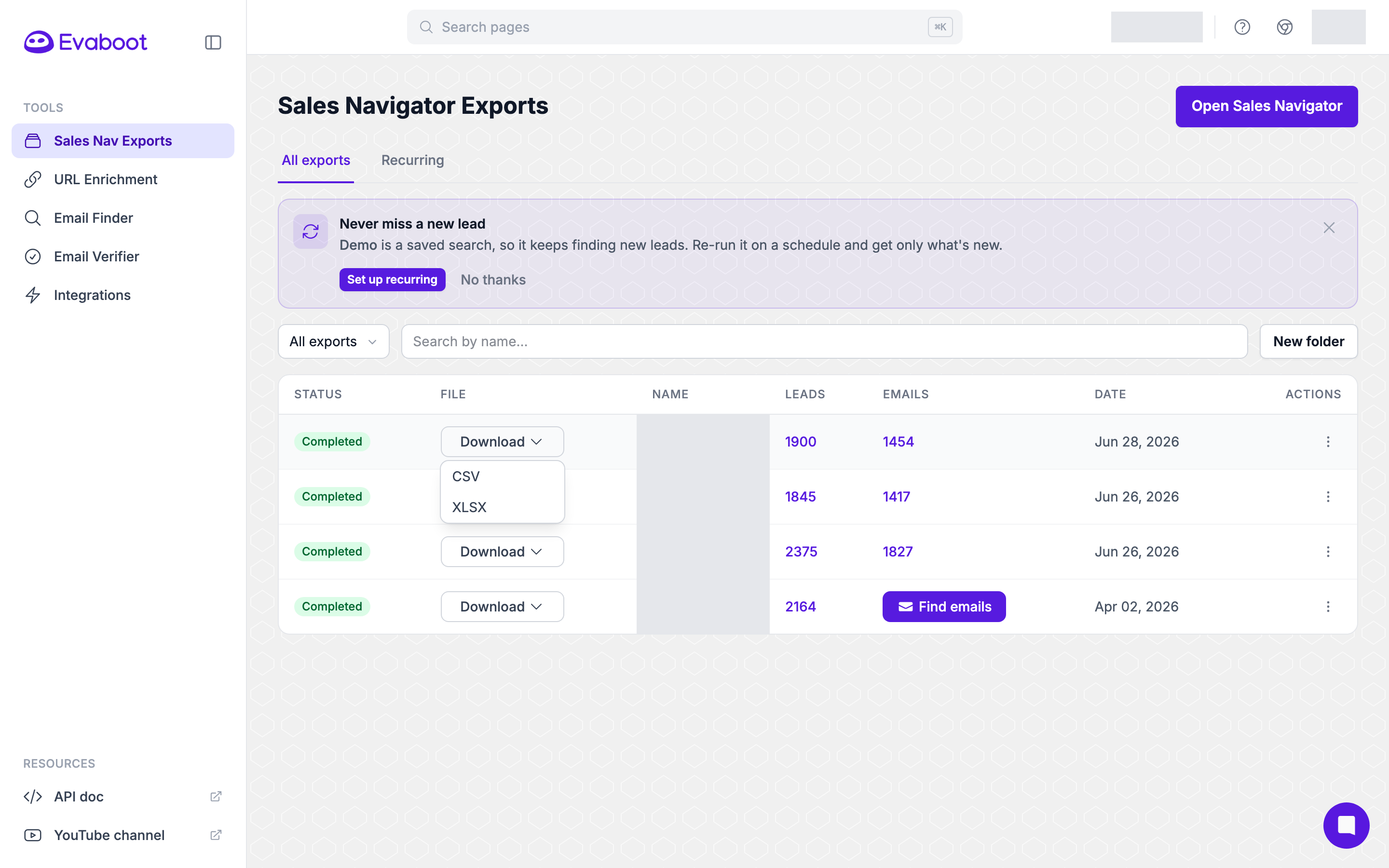
Where your balance is
Section titled “Where your balance is”Your credit balance sits in the top bar of the dashboard. Click it to buy more credits.

It’s also shown in full on Billing, with your plan and renewal date next to it.
Good to know
Section titled “Good to know”- Credits roll over while your subscription is active. See Do Credits Roll Over If Not Used?.