
How does Evaboot connect to my LinkedIn account?
Evaboot connects to your LinkedIn account using your LinkedIn cookies. The Evaboot Chrome extension is here to facilitate that process.
Before you start
Section titled “Before you start”To scrape Sales Navigator, you need:
- the Chrome extension installed
- to be logged in on LinkedIn
Stay logged in on LinkedIn while Evaboot exports data. If you log out while Evaboot is working, your export will fail.
Can I connect several Sales Navigator accounts?
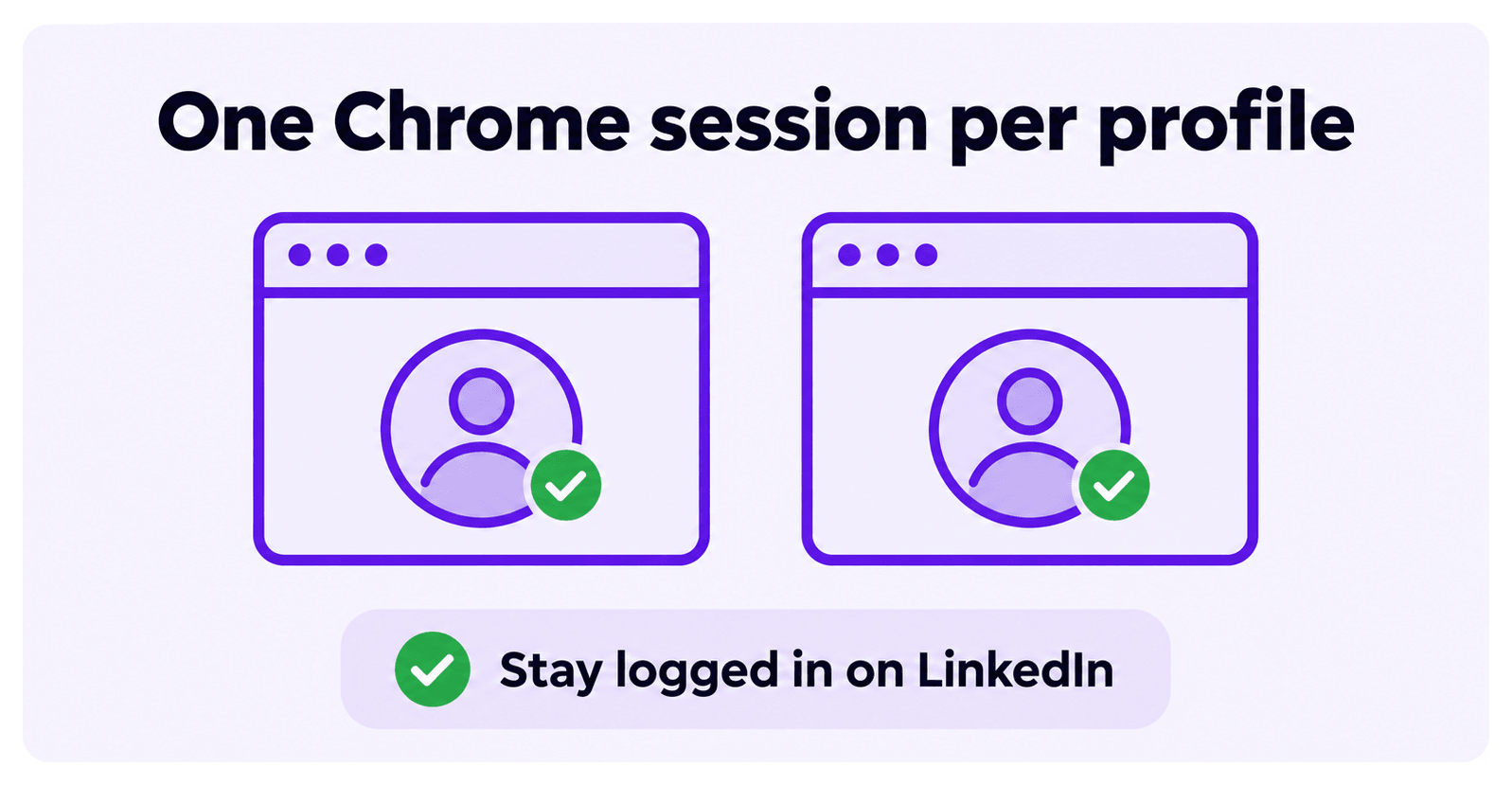
Section titled “Can I connect several Sales Navigator accounts?”Yes, as many as you want. Use different Chrome sessions to connect several Sales Navigator accounts at once. Each session connects to a different LinkedIn profile.
Contact our support team via chat for help with multiple account setups.