How does the Evaboot API work?
The Evaboot API is a JSON REST API. Everything you can run from the dashboard — Sales Navigator extraction, email finding, email verification — you can also run from your own code. The full reference lives at docs.evaboot.com.
Where your API key lives
Section titled “Where your API key lives”Your key is on the API key page of the dashboard, listed under Integrations in the sidebar.

- Copy the key from the field — clicking it selects the whole value.
- Generate New Token replaces the key. Anything still using the old key stops working until you update it, so rotate deliberately.
- Delete removes the key entirely.
Treat the key like a password: don’t commit it to a repository or paste it into shared documents.
Authentication
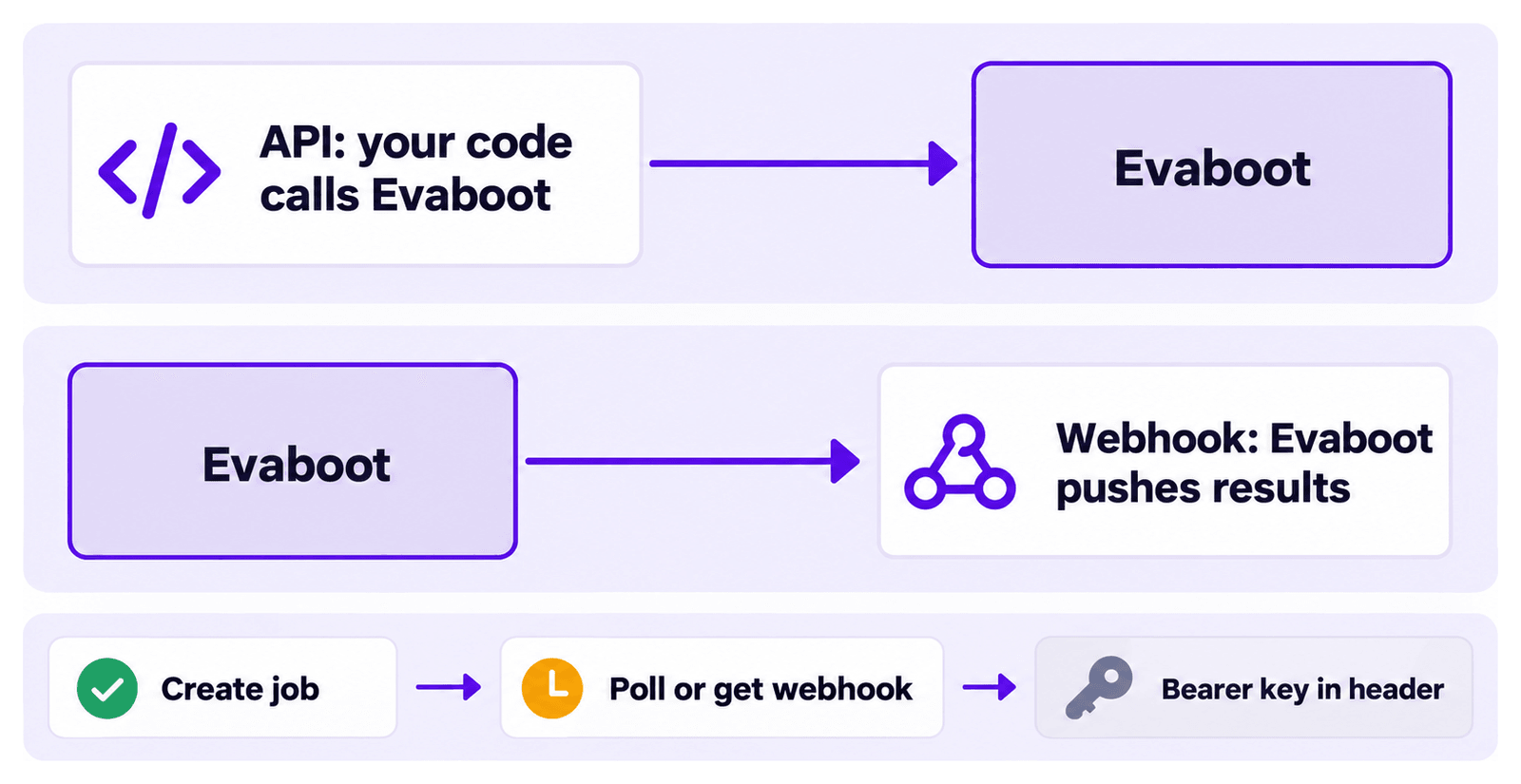
Section titled “Authentication”Every request sends the key in an Authorization: Bearer header:
curl -H "Authorization: Bearer your_api_token_here" \ https://api.evaboot.com/v1/email-finder/What you can do
Section titled “What you can do”- LinkedIn extraction — extract prospects from Sales Navigator lists and searches.
- Email finding — find professional email addresses for prospects, in bulk.
- Email verification — validate that addresses won’t bounce.
Jobs run asynchronously. You create a job, then poll for results or get notified over a webhook when it completes.
Endpoints, payloads, quotas, and a troubleshooting guide are in the API reference.
If you’d rather not write code at all, the same capabilities are available to an AI assistant through the Evaboot MCP server.
API or webhook integrations?
Section titled “API or webhook integrations?”The API is for pulling: your code calls Evaboot. If you just want Evaboot to push finished results into your other tools, you don’t need code. Use a webhook integration from the Integrations tab of the Integrations page.