
Why is my CSV file all in one column?
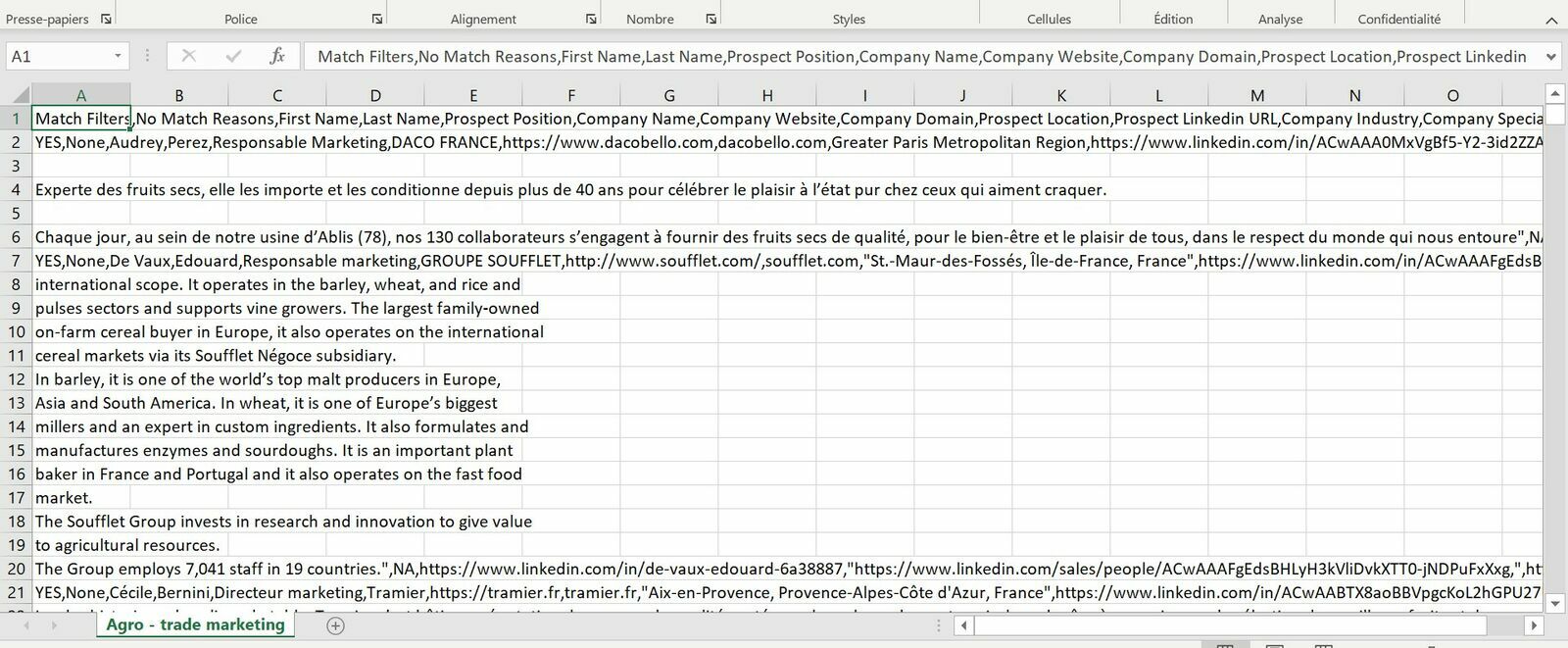
Nothing is wrong with the file — Excel imported it with the wrong separator. Your export opens with every field crammed into the first column, commas and all:
Quickest fix: download XLSX instead
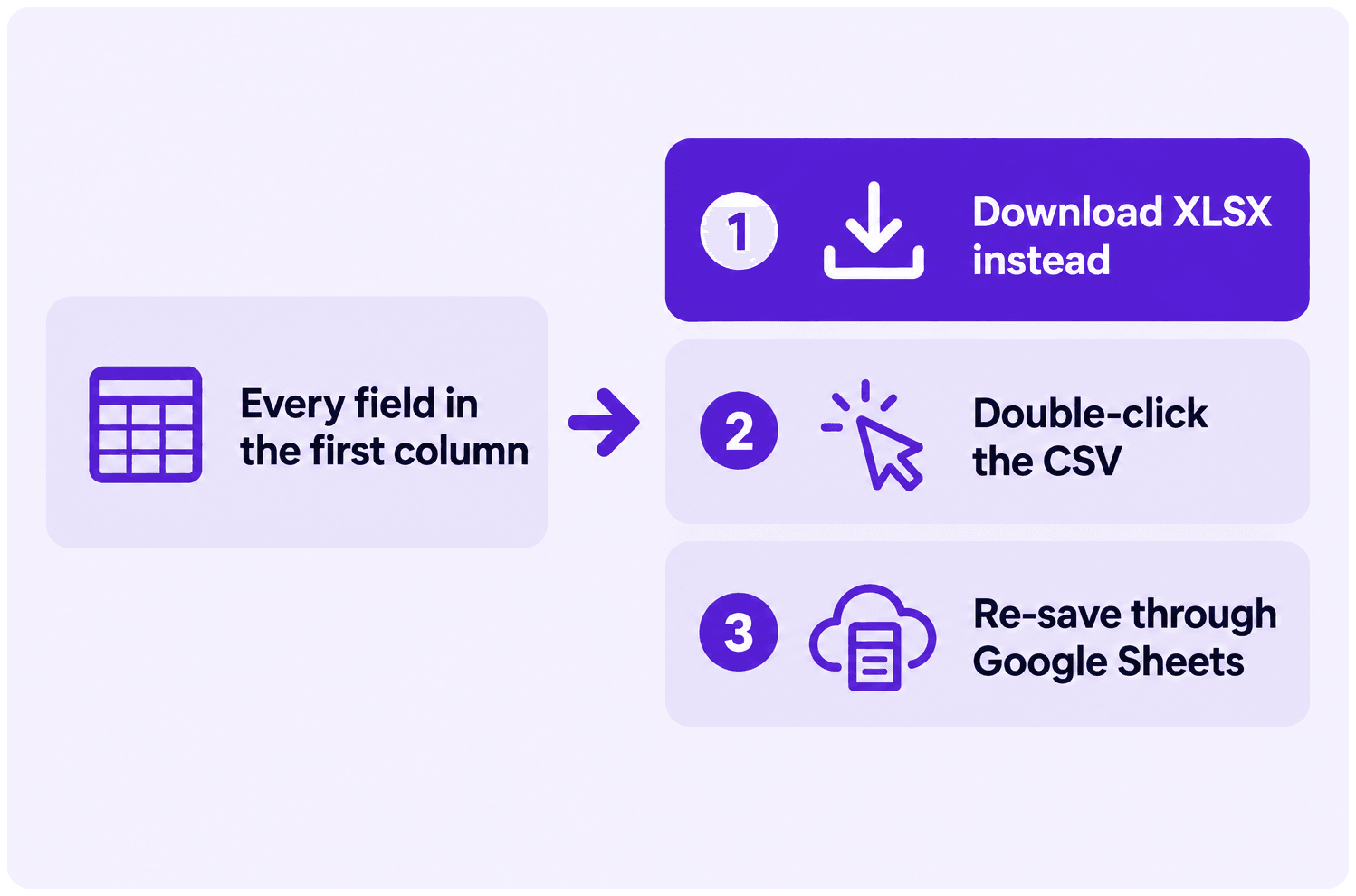
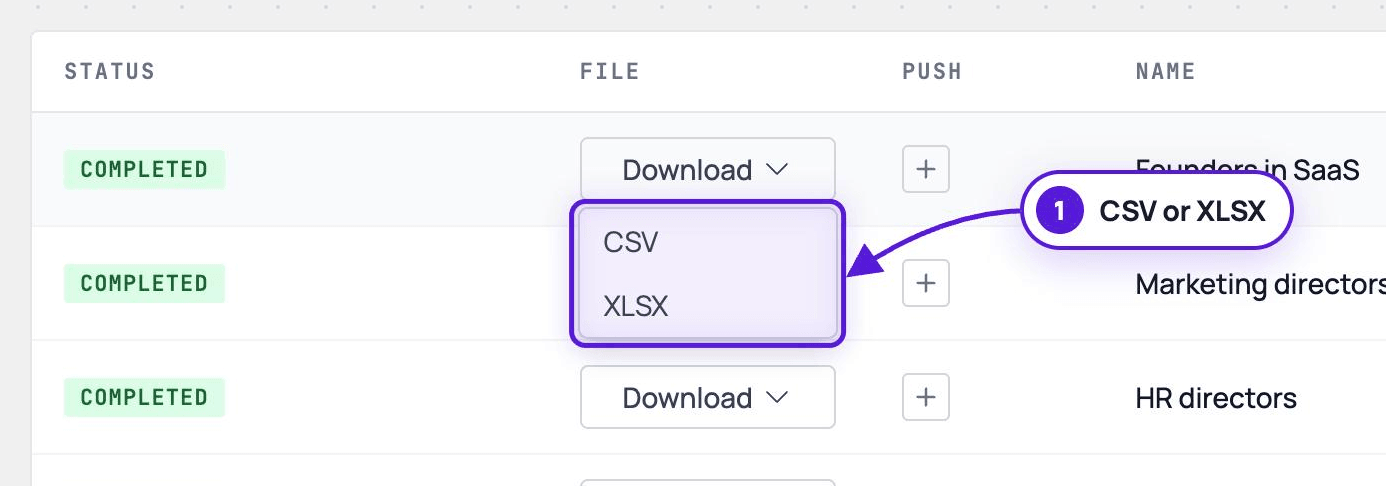
Section titled “Quickest fix: download XLSX instead”Every Evaboot export can be downloaded as XLSX as well as CSV, from the download menu on the export’s row. XLSX carries its own column structure, so Excel has nothing to guess.
Second fix: let Excel open the CSV itself
Section titled “Second fix: let Excel open the CSV itself”Double-click the downloaded CSV instead of importing it through Data > From Text/CSV. Excel applies its default separator handling, which is usually right.
Third fix: through Google Sheets
Section titled “Third fix: through Google Sheets”-
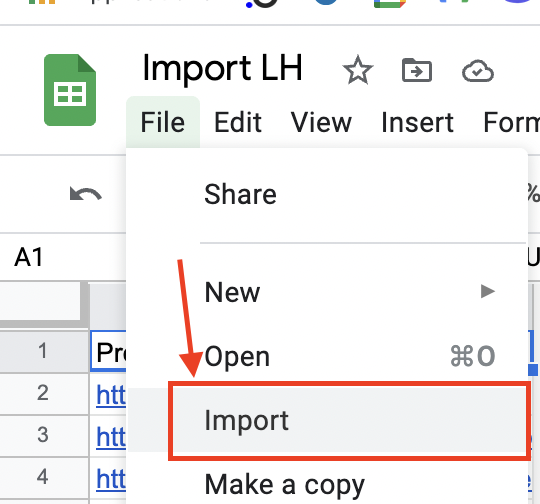
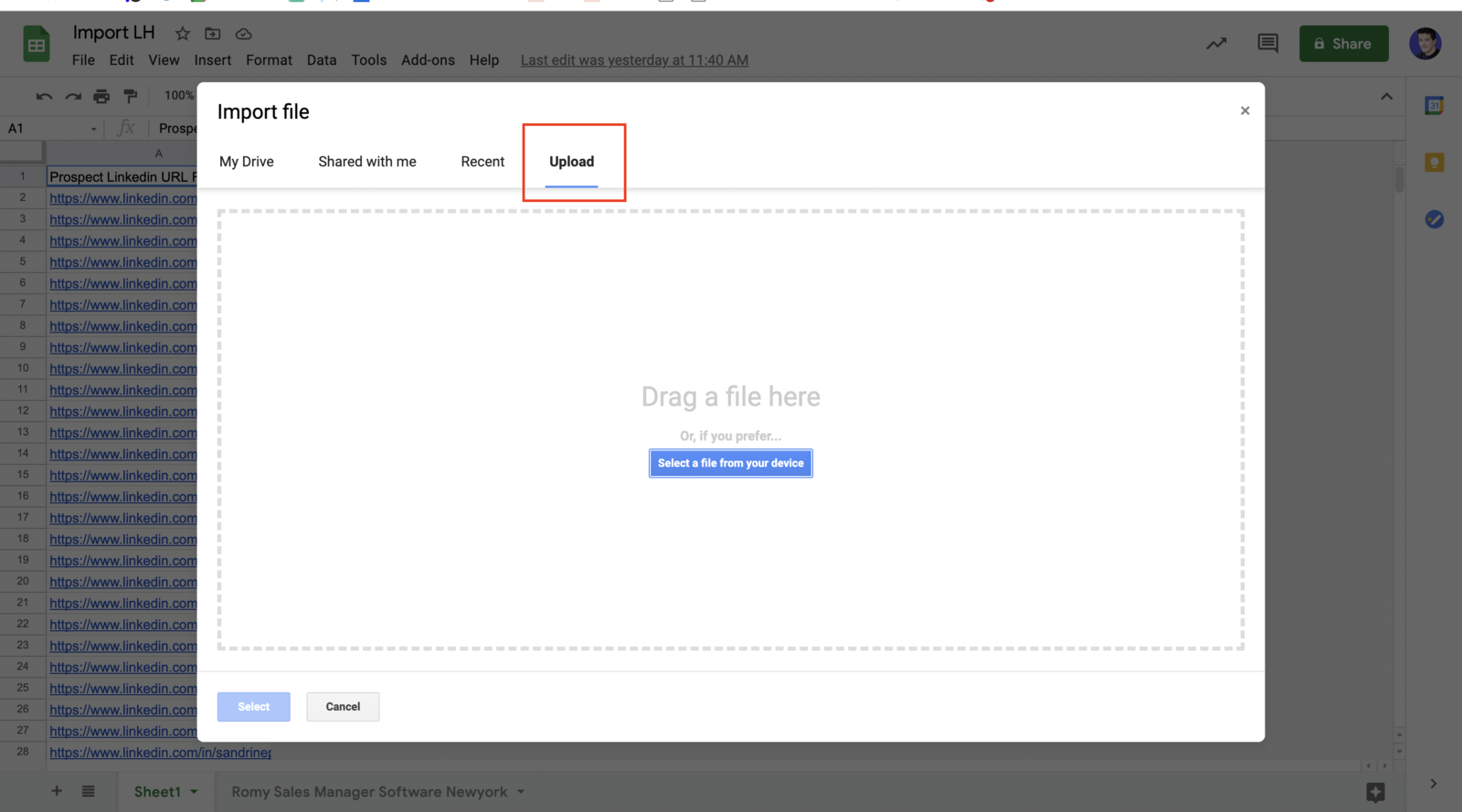
In Google Sheets, click File > Import.
-
Choose Upload and select your CSV.
-
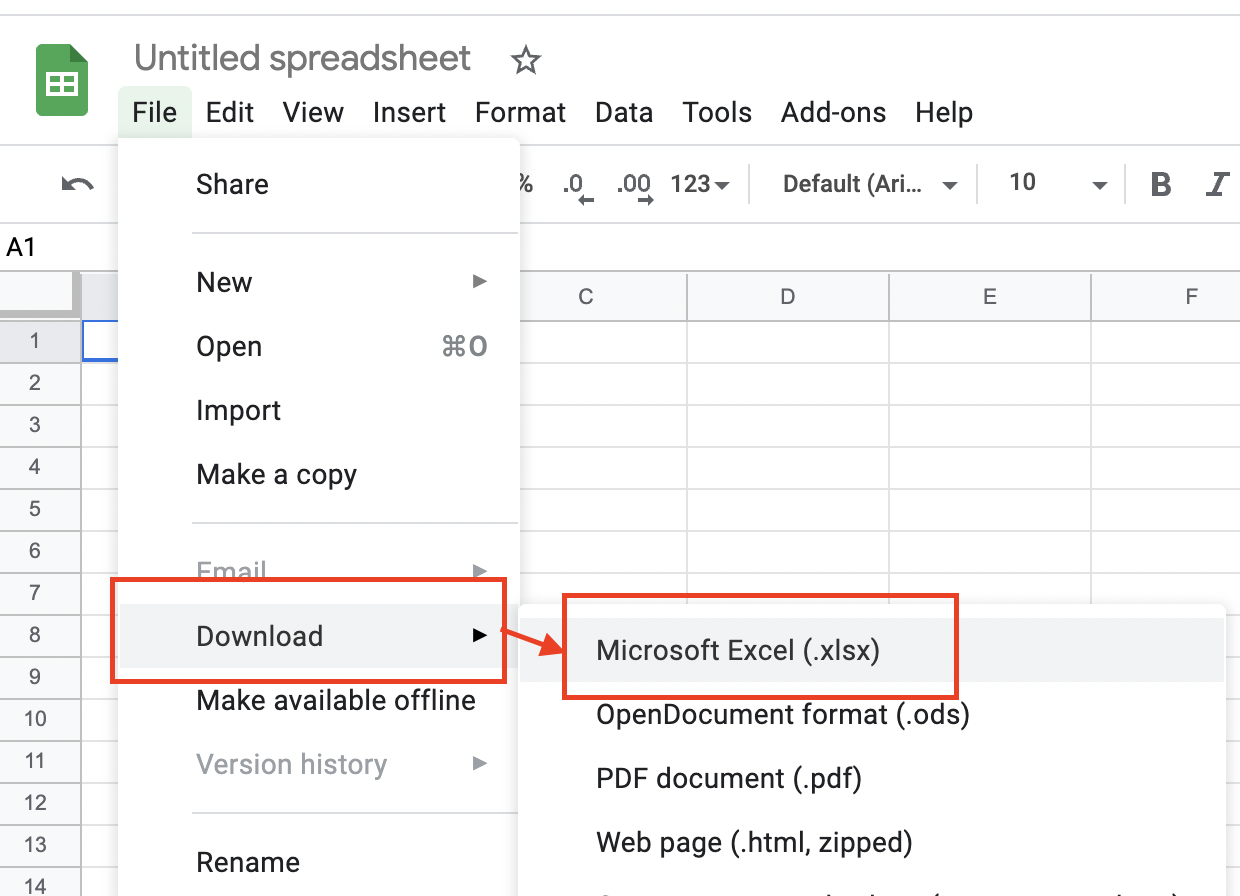
Click File > Download > Microsoft Excel (.xlsx).
-
Open the downloaded
.xlsxin Excel.