
How do I send my Evaboot results to other tools?
Integrations send your Evaboot results to your CRM, outreach and automation tools — automatically or on demand. You don’t have to download and re-upload files by hand. Everything lives on the Integrations page of the dashboard, under the Integrations tab.
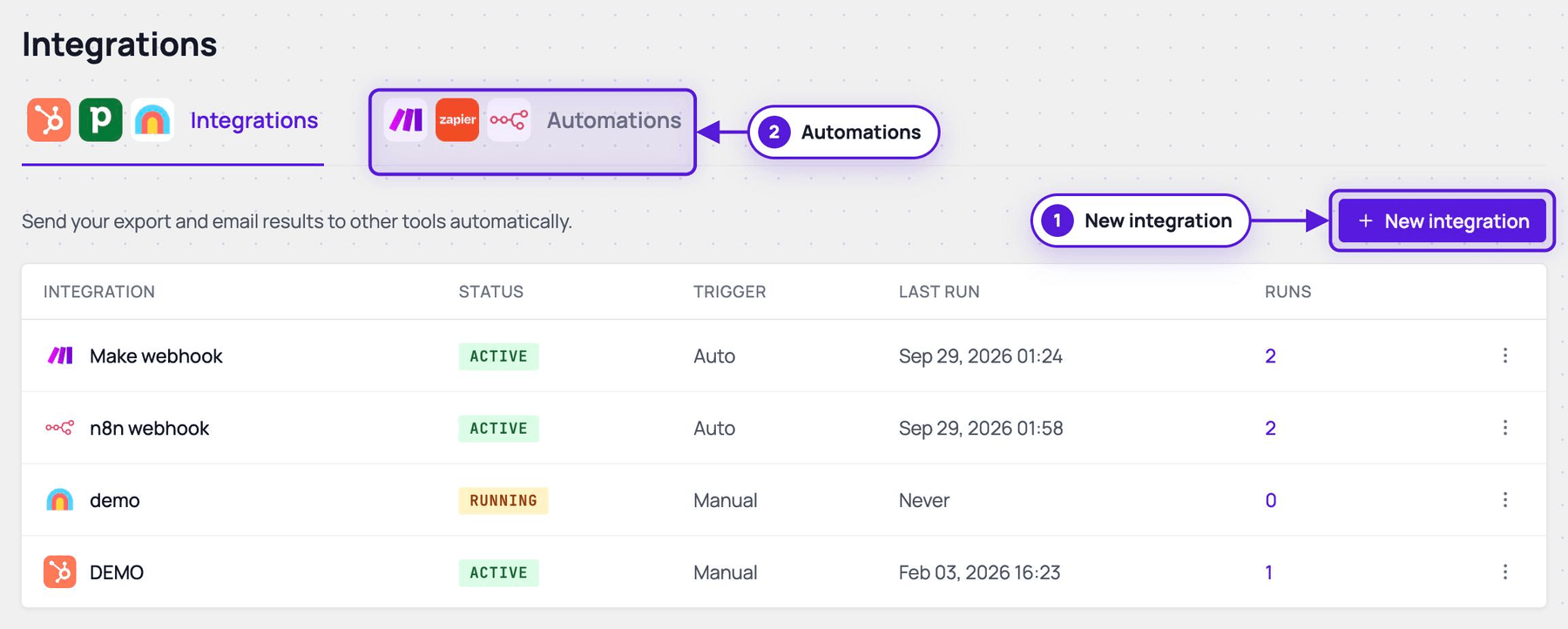
What you can connect
Section titled “What you can connect”The Integrations page lists every destination:
- CRM: HubSpot, Pipedrive, Attio, Apollo
- Outreach: lemlist, Instantly
- Enrichment: Clay
- Spreadsheet: Google Sheets
- Automation: Make, Zapier, n8n
For Make, Zapier, n8n and Clay, Evaboot posts to a webhook URL you create there.
- Custom — your own endpoint. Any HTTPS URL, with optional Bearer token, Basic auth, or API key header authentication.
Each destination has its own setup guide — see Related articles below.
Make and Zapier also have Evaboot apps, and n8n has an Evaboot community node. Find them on the Automations tab of the Integrations page.
You can also import your files into your CRM yourself.
What gets sent
Section titled “What gets sent”A webhook can carry any combination of your Evaboot outputs:
- Exports — Sales Navigator exports
- Lists — URL Enrichment results
- Email Finder jobs
- Email Verifier jobs
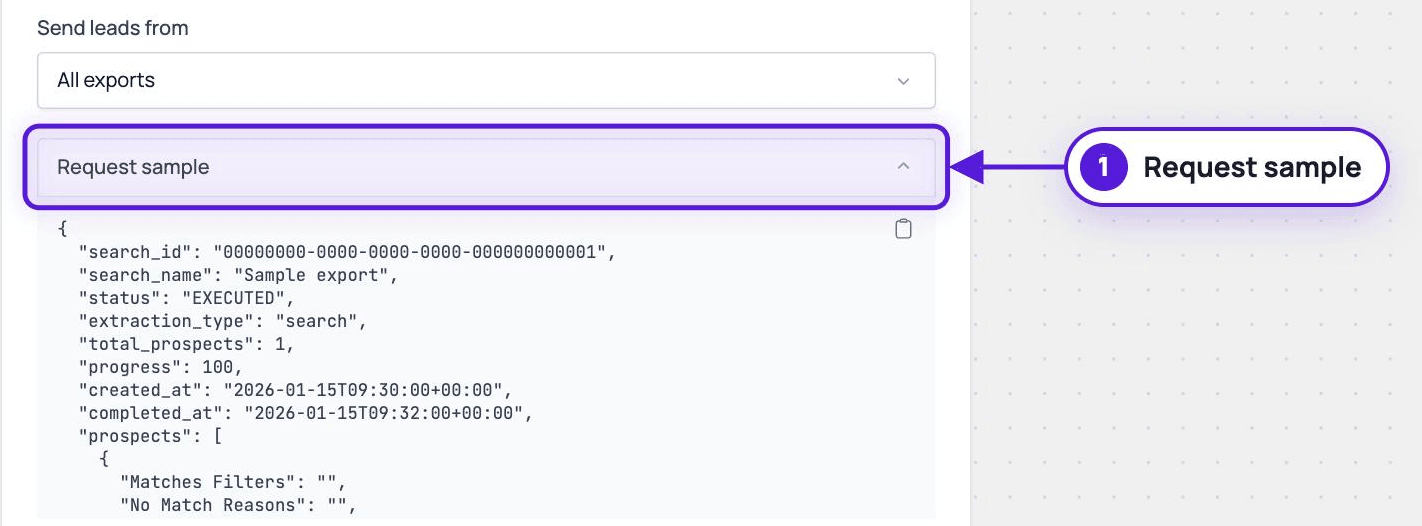
You can scope a webhook to all exports, all recurring exports, specific recurring exports, or specific folders. Request sample in the setup form is a dropdown: pick a data type to see the exact JSON payload it sends. Use it to build the receiving side before any real data flows.
A recurring export can also send each run to an integration. See recurring exports.
Automatic or manual
Section titled “Automatic or manual”Every webhook has a trigger mode:
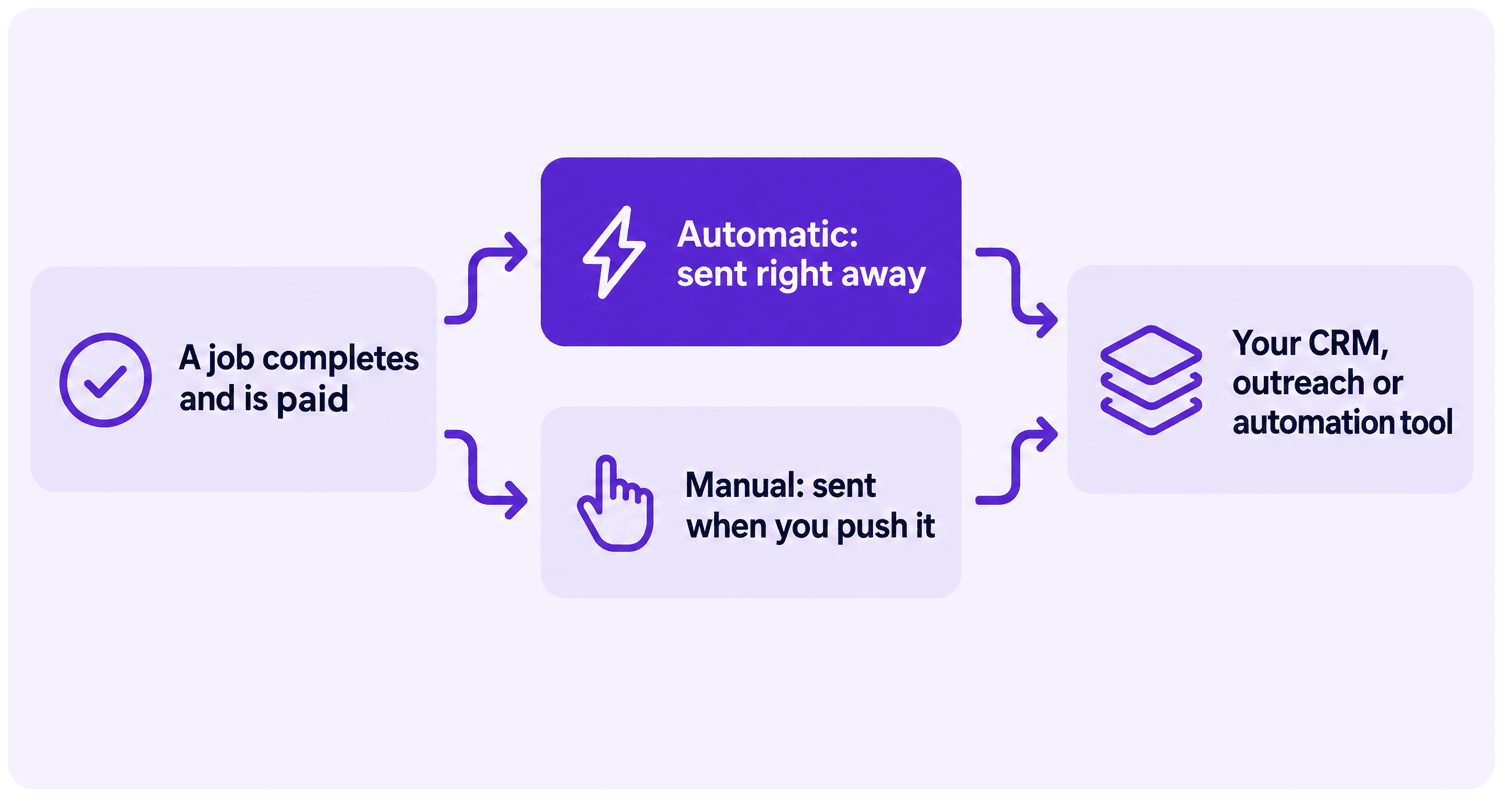
- Automatic — Evaboot sends the results as soon as a job completes and is paid.
- One automatic integration per data type.
- This is the mode to use to receive your results in your other tools.
- Manual — sends nothing on its own. It delivers when you send a test, or when you click Push this export on a finished export.
After you create it
Section titled “After you create it”Your webhooks are listed on the Integrations page with their type, status, trigger mode, last run, and run count.
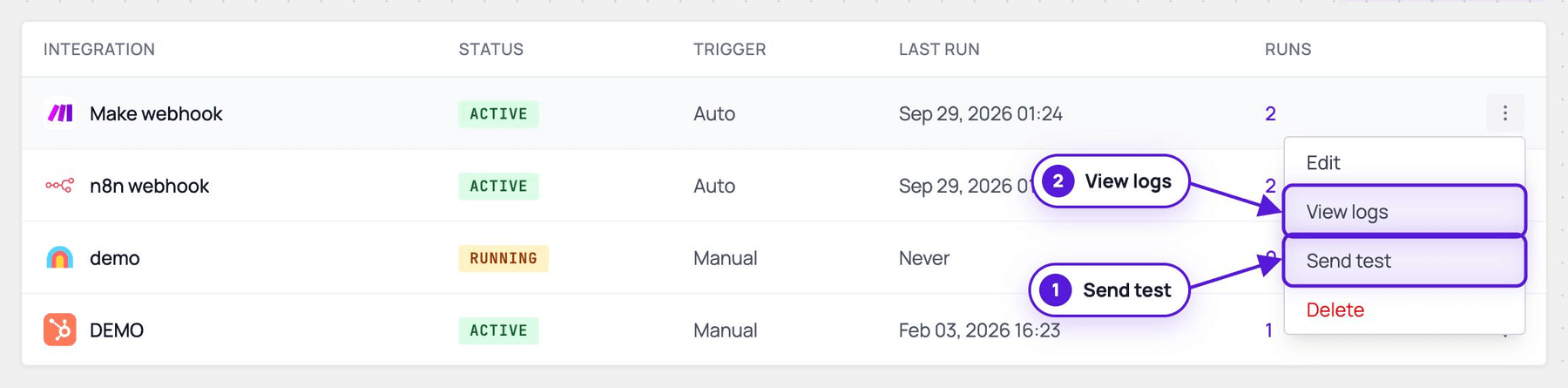
From the actions menu on each row:
- Edit the configuration.
- View logs.
- Send test — a sample payload delivery to check your endpoint.
- Delete the webhook.
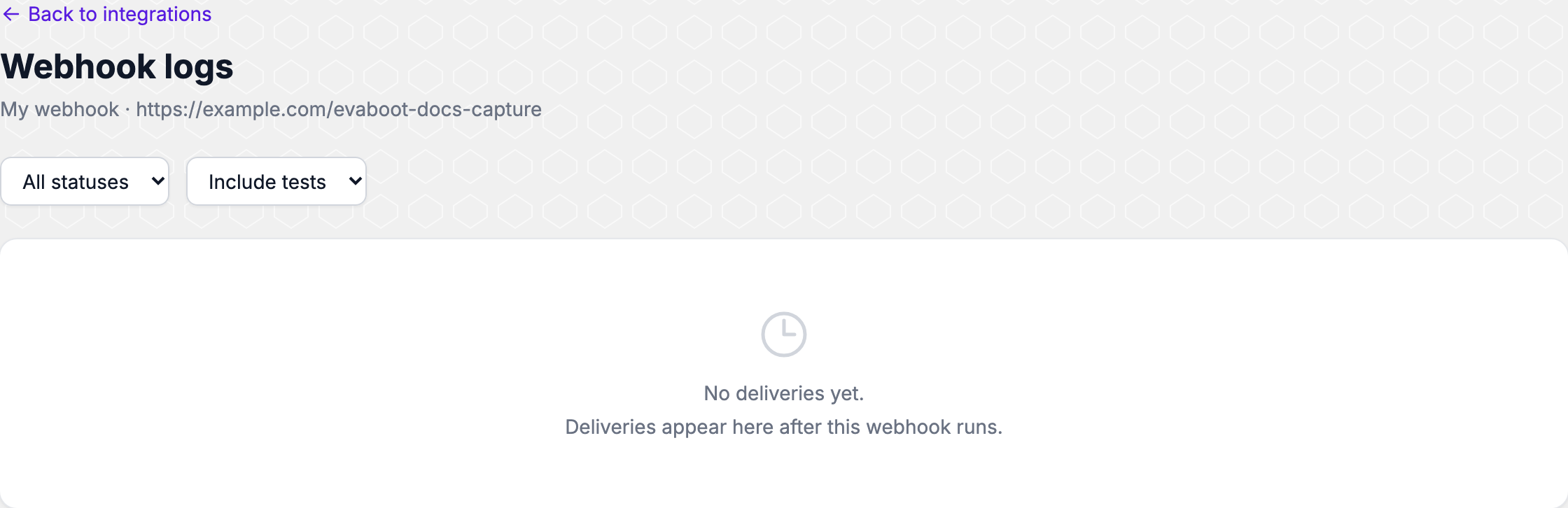
Every delivery appears in the logs as Completed, Failed, or Pending. Test deliveries can be shown or hidden.
Prefer to pull instead of push?
Section titled “Prefer to pull instead of push?”If you would rather call Evaboot from your own code, use the API instead. The key lives on the API key page of the dashboard — see How Does the Evaboot API Work?.