How do I avoid exporting the same leads twice?
Split your search before you export, so no lead lands in two exports. Evaboot removes duplicates within one export, but not across exports. A lead exported twice is charged twice.
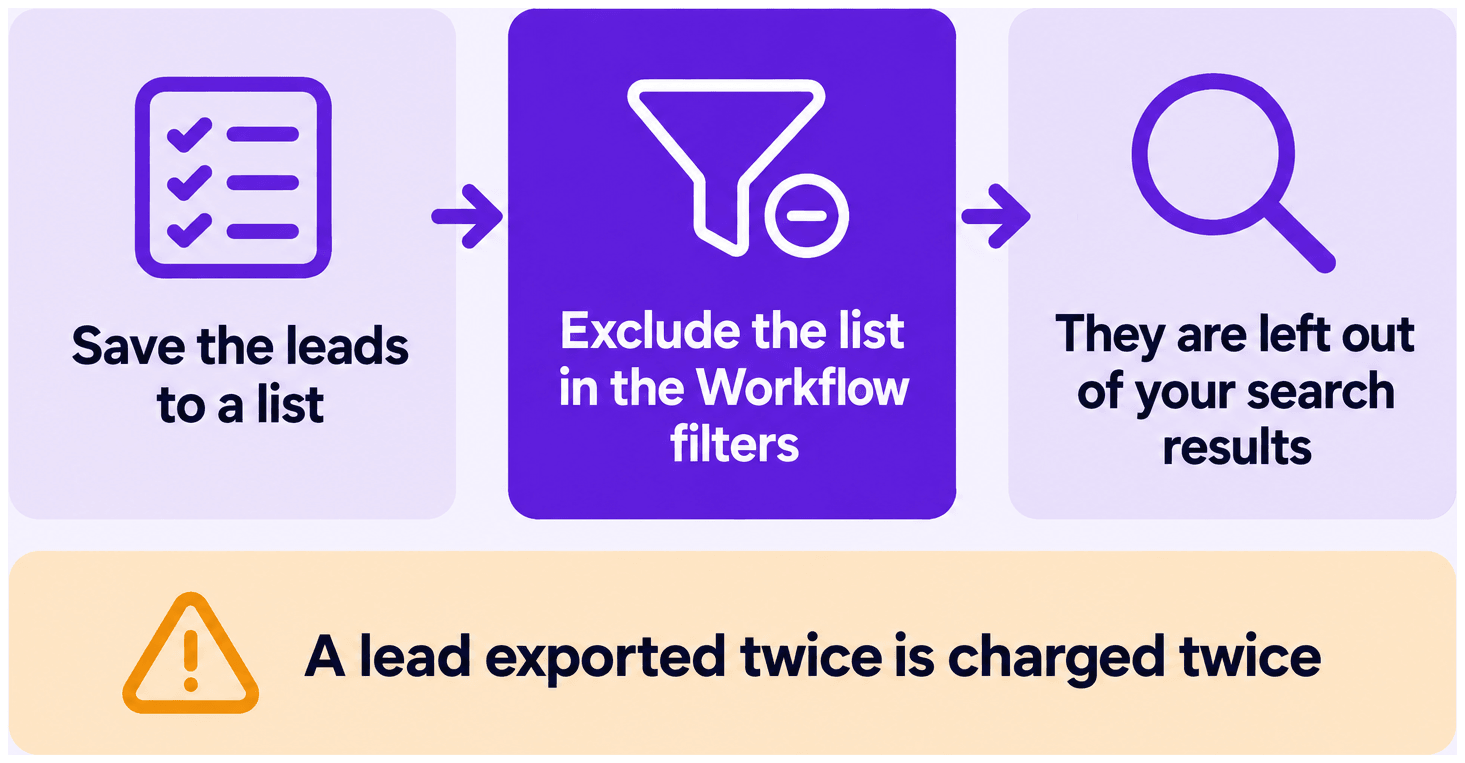
On Sales Navigator Advanced or Advanced Plus, you can also exclude a list of leads from your searches.
Split the search first
Section titled “Split the search first”- Plan the split before the first export. Each chunk is then exported once.
- Split by filter, never by page. Sales Navigator reorders results between sessions, so page-based batches overlap.
See How Do I Export a Search With More Than 2,500 Leads?.
Exclude a list (Advanced and Advanced Plus only)
Section titled “Exclude a list (Advanced and Advanced Plus only)”Excluding a lead or account list needs Sales Navigator Advanced or Advanced Plus. You can exclude:
- Previously exported leads
- Current clients
- Competitors
Create the exclusion list
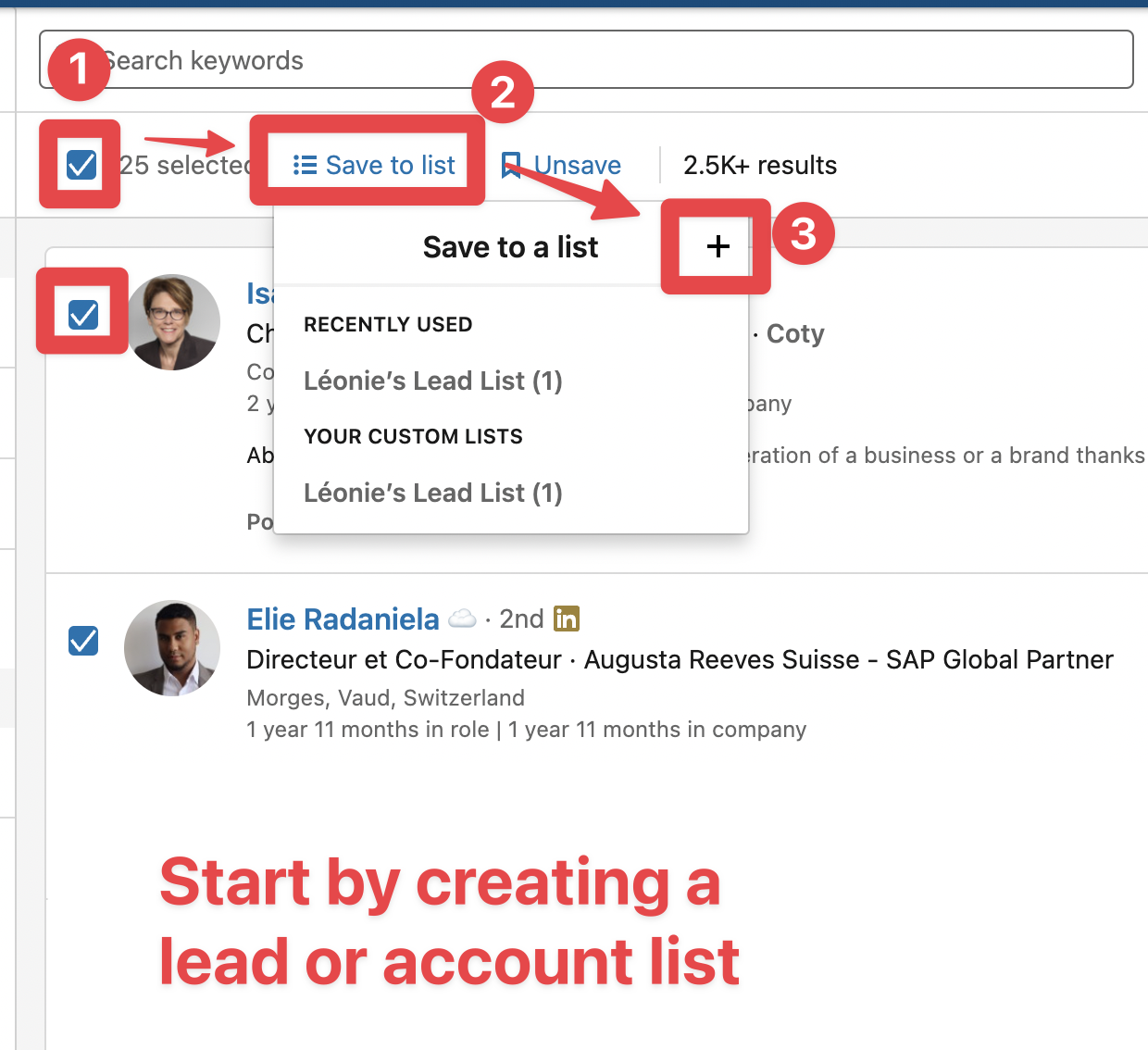
Section titled “Create the exclusion list”- Tick the checkboxes next to the leads or accounts, then click Save to list and the + button to create the list that will hold what you want excluded from your next searches.
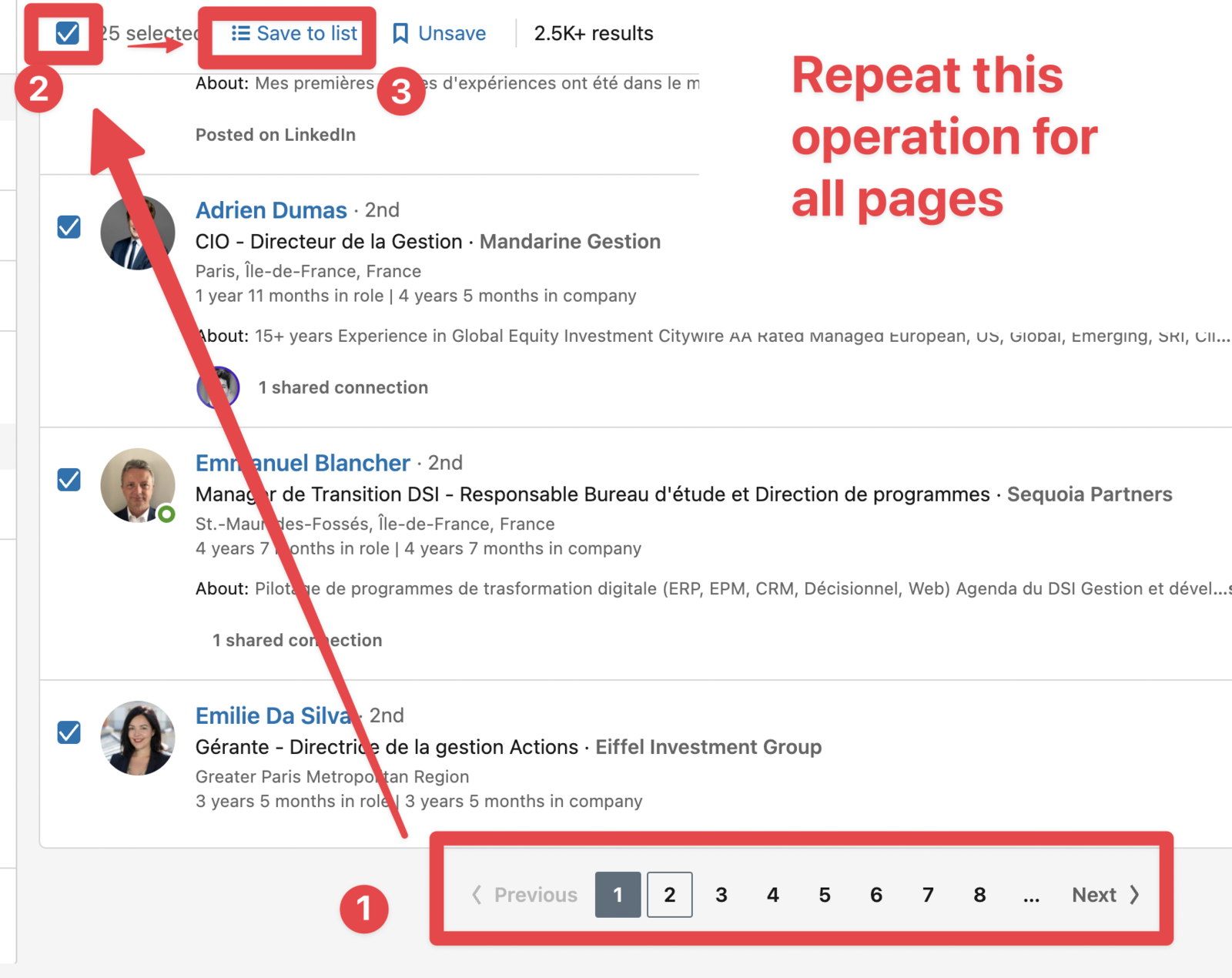
- Repeat on every page. Sales Navigator selects 25 leads per page and you can’t select the whole search at once, so save each page to the list.
Exclude the list from search results
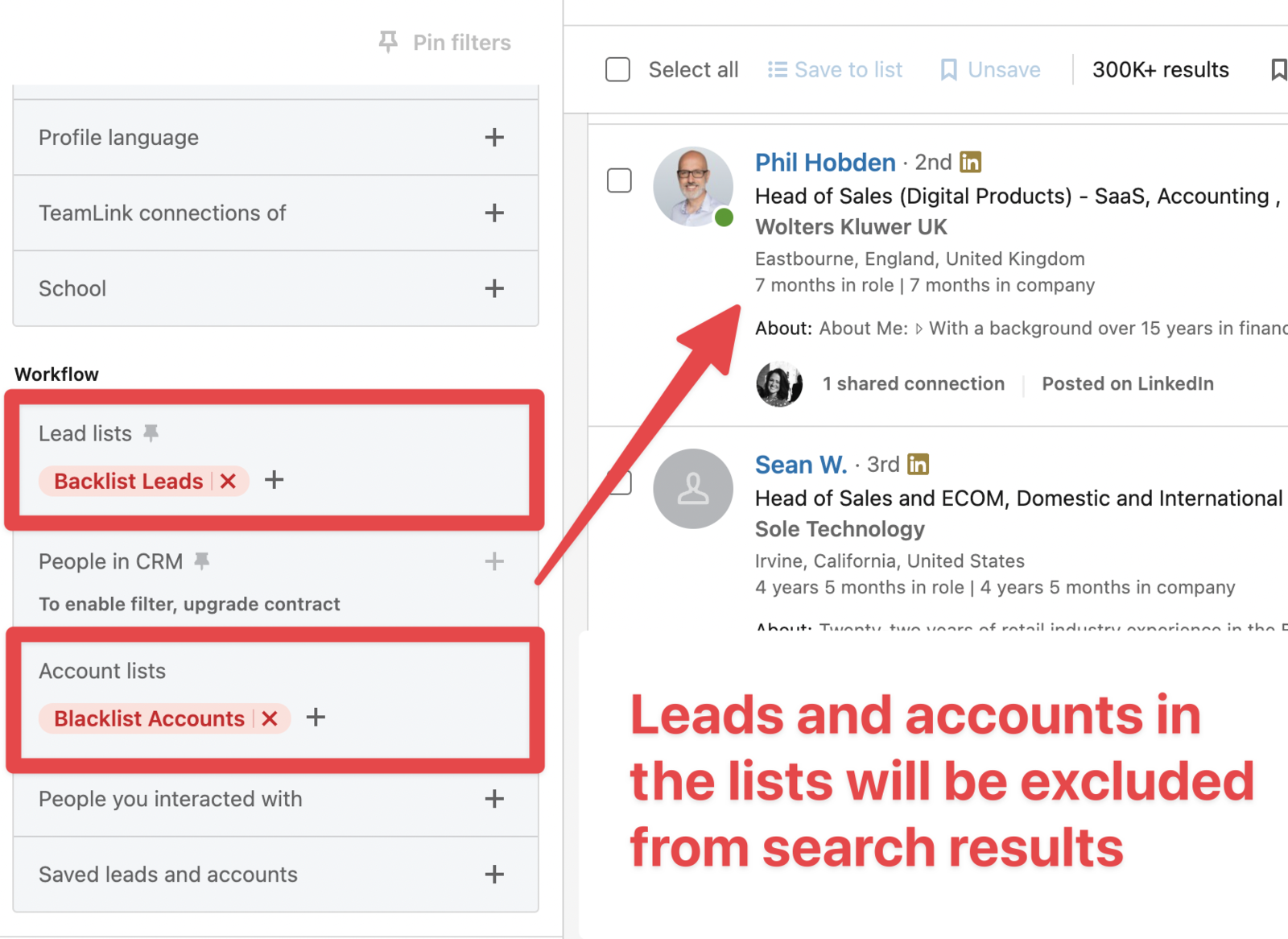
Section titled “Exclude the list from search results”- In your search, open the Workflow filters, expand Lead lists (or Account lists for accounts), and click Exclude next to your list.
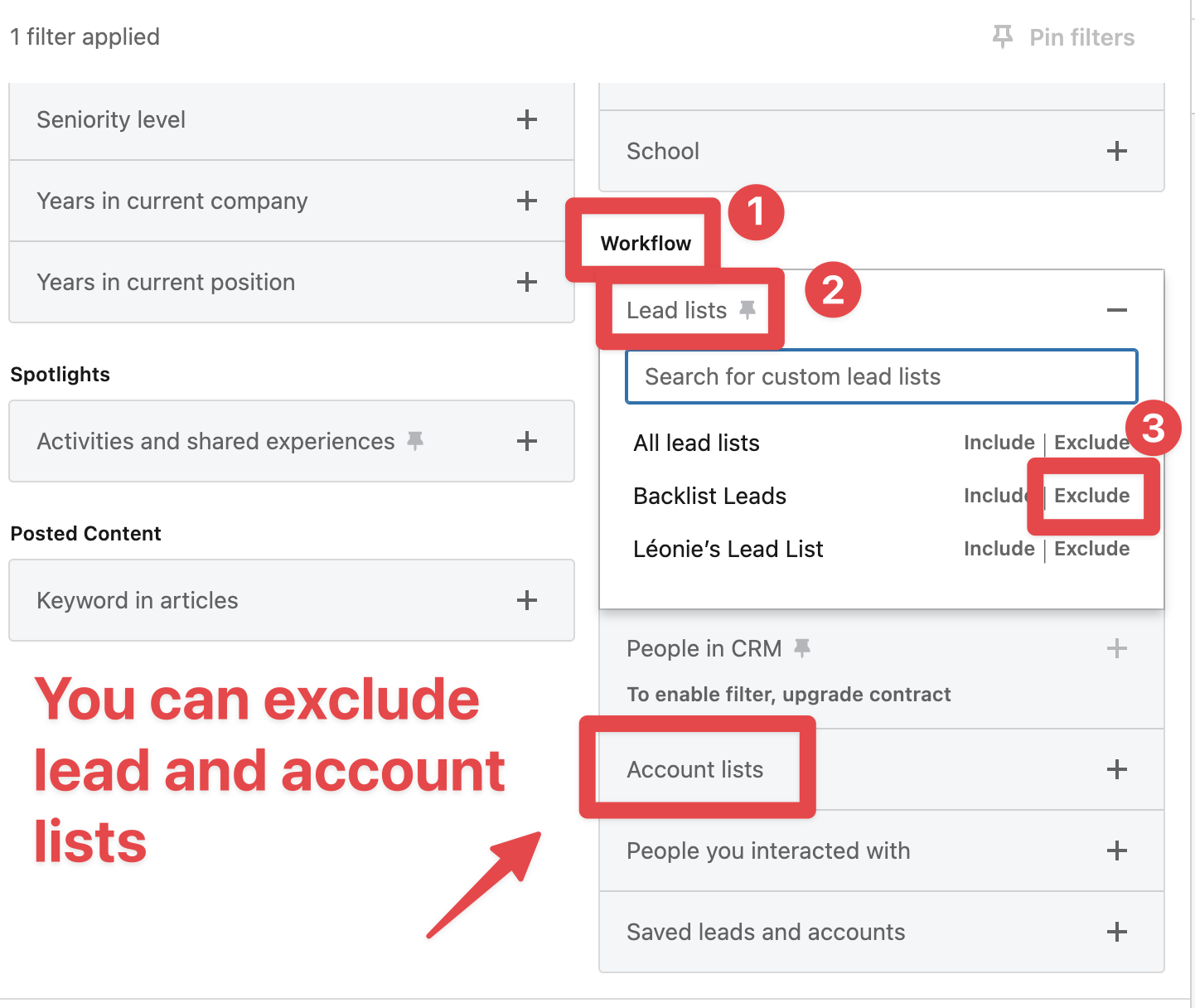
All leads or accounts in the list are now left out of your search results.