
Why did my export find emails for so few leads?
Evaboot only returns emails it has verified. When it can’t verify one, you get no email rather than a guess. A lead without an email is not a failure.
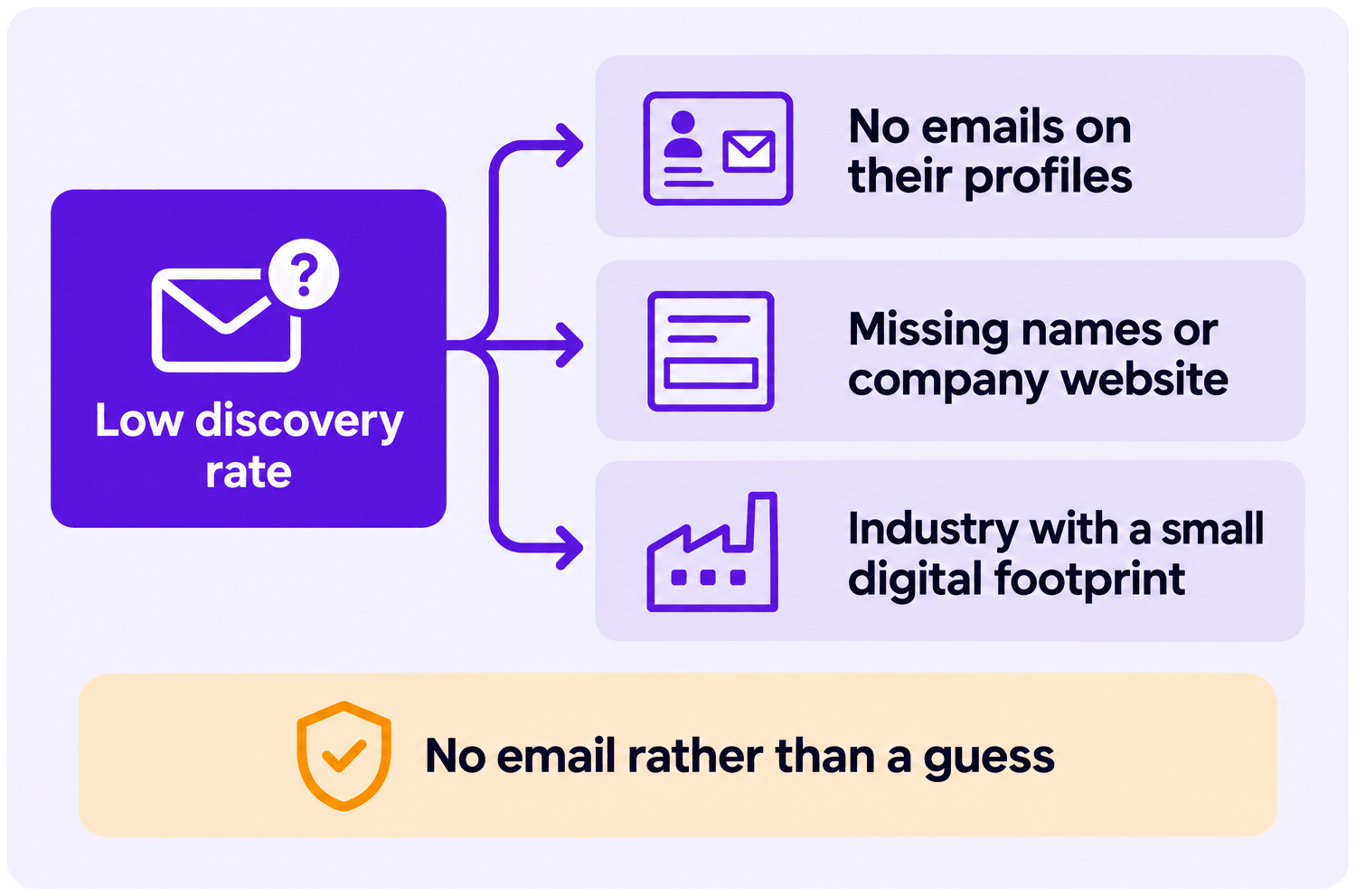
A low discovery rate usually comes down to missing profile emails, incomplete lead data, or a hard-to-reach industry. Here are the most common causes, and how to fix them.
No Emails on Their Profiles
Section titled “No Emails on Their Profiles”If your targets don’t usually share their email on LinkedIn, that’s often why your discovery rate is low.
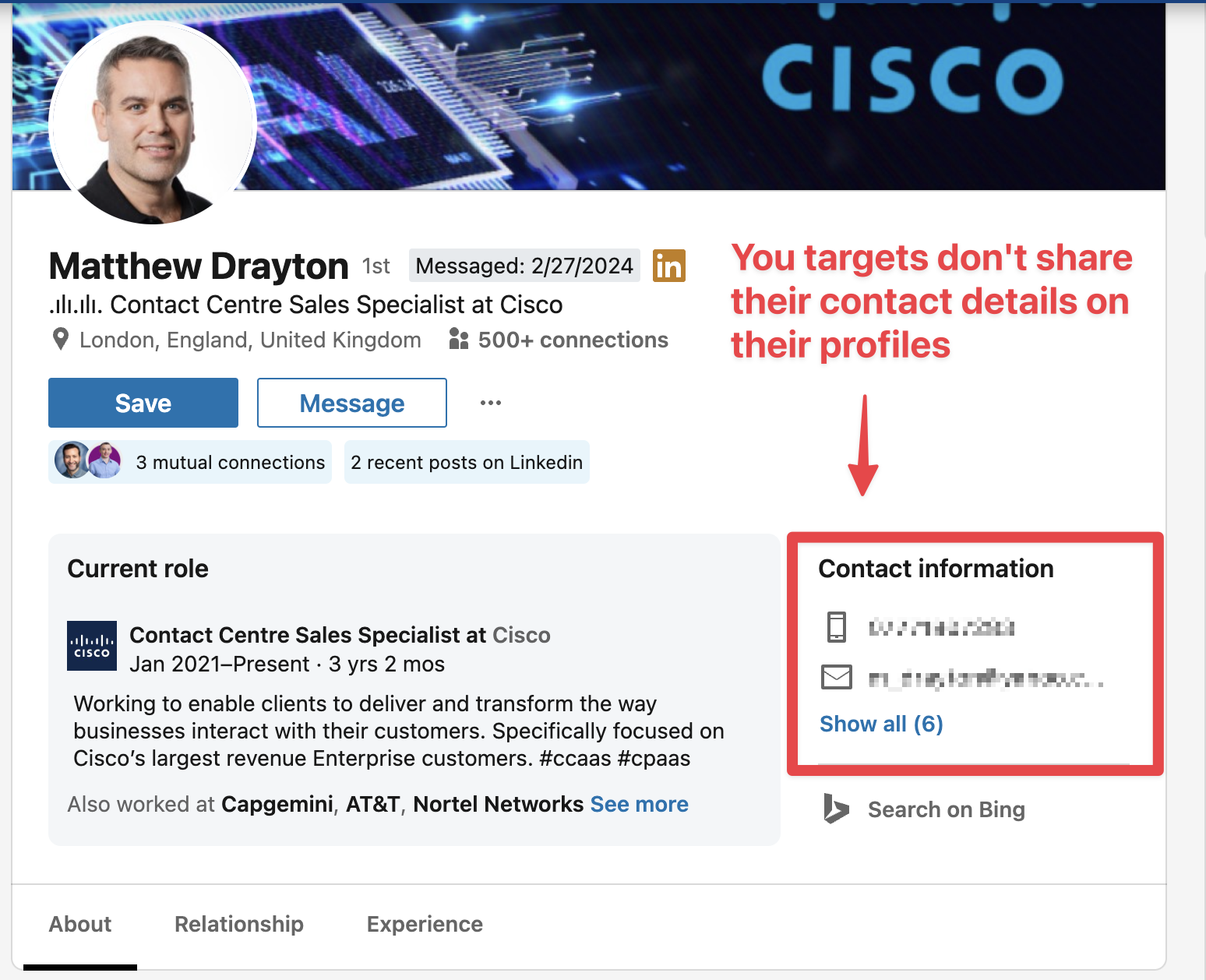
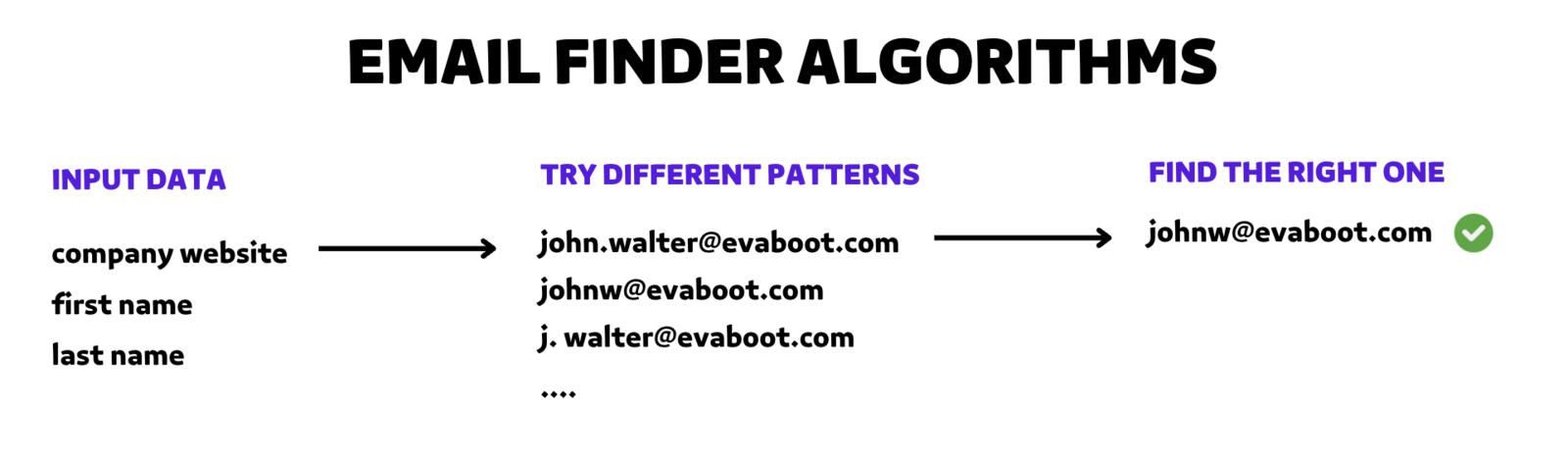
This happens for most profiles, so we’re used to managing it. That’s why we also use pattern-finding techniques based on:
- First name
- Last name
- Company website
Missing Data
Section titled “Missing Data”Getting names and a company website is essential to find the right email. Without them, the algorithm has way less data to find different patterns.
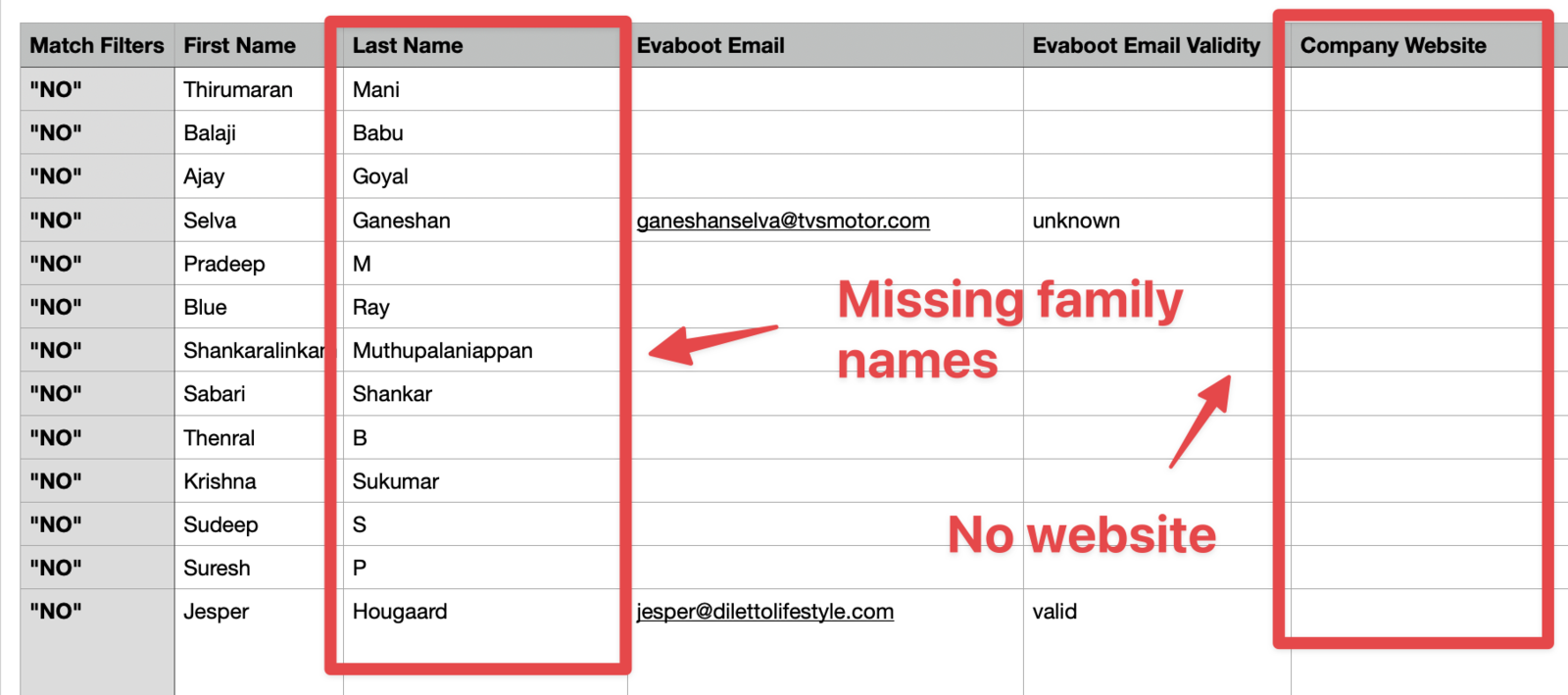
The better your input data, the easier it will be to find the right pattern. For example, one user’s search had many leads with missing websites and/or missing family names.
Missing Names
Section titled “Missing Names”When a first or last name is missing, the number of patterns that can be tested is divided by 2. If the real email contains the person’s entire name or family name, you will probably never find it.
Missing Company Website
Section titled “Missing Company Website”If the company website is missing, you are not even sure to target the right email domain.
Without a website, the email finder has to work out the domain from the company name. That works when the company name is unique.
If the company name is common (like ABC consulting), dozens of companies could share it. In that case, the email finder has a high chance of picking the wrong company domain. So you might end up with the right pattern but for the wrong email domain.
What You Can Do
Section titled “What You Can Do”- Email Finder file upload: complete the missing names and company websites first, then re-upload the file.
- Sales Navigator export: you can’t add names or websites to an export. Improve your targeting instead, for example by industry and current company.
Your Industry
Section titled “Your Industry”The email finder doesn’t have good results in industries with a small digital footprint, like:
- Healthcare
- Sport
- Construction
- Personal Services
If you recognize your market in that list, focus on finding specialized databases instead of finding emails from LinkedIn. You can still use LinkedIn to contact these people via DM though.