
Can I get emails from a list of companies?
You can’t directly enrich account searches with emails.
To find an email, Evaboot needs to attach it to a person. That requires:
- The person’s first name
- The person’s last name
- The company website (or at least the company name)
Evaboot does not find generic company addresses like info@company.com or contact@company.com.
Why no company emails?
Section titled “Why no company emails?”A shared address like sales@company.com is not tied to a person. It usually lands in a shared inbox, so it works poorly for outreach. Evaboot only finds professional emails matched to a named person.
Turn companies into leads first
Section titled “Turn companies into leads first”You can still find emails from a company search, but not directly. On Sales Navigator:
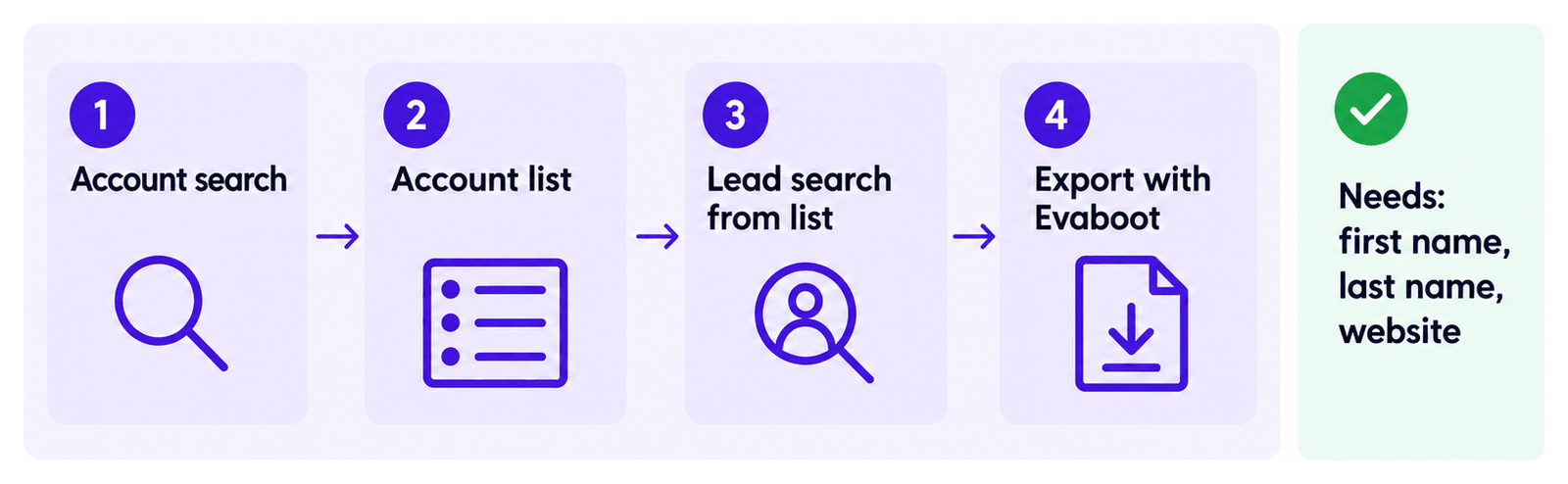
- Make an account search.
- Create an account list from this account search.
- Make a lead search based on your account list.
- Extract the lead search with Evaboot. Emails are found automatically.
See the full steps in How to Find Decision Makers in a Company with Sales Navigator?
This technique works better because you can decide exactly which decision maker to contact, instead of getting random leads among the company’s employees.