
How do I install or update the Evaboot extension?
Sign in to your Evaboot dashboard: it checks whether your extension is current or needs updating. If it needs updating, follow the steps below. Exports cannot launch without a current extension.
Before you start
Section titled “Before you start”- Chrome or Edge. The extension does not run on Safari or Firefox.
- Remove old versions first. Two Evaboot extensions installed at once is the single most common cause of an export pulling the wrong list.
-
Sign in at dash.evaboot.com. The dashboard checks your installed extension when you log in. If it needs updating, continue.

- First install on this browser? Skip steps 2 and 3.
-
Open
chrome://extensions/. Paste it into the address bar; it will not open from a link. -
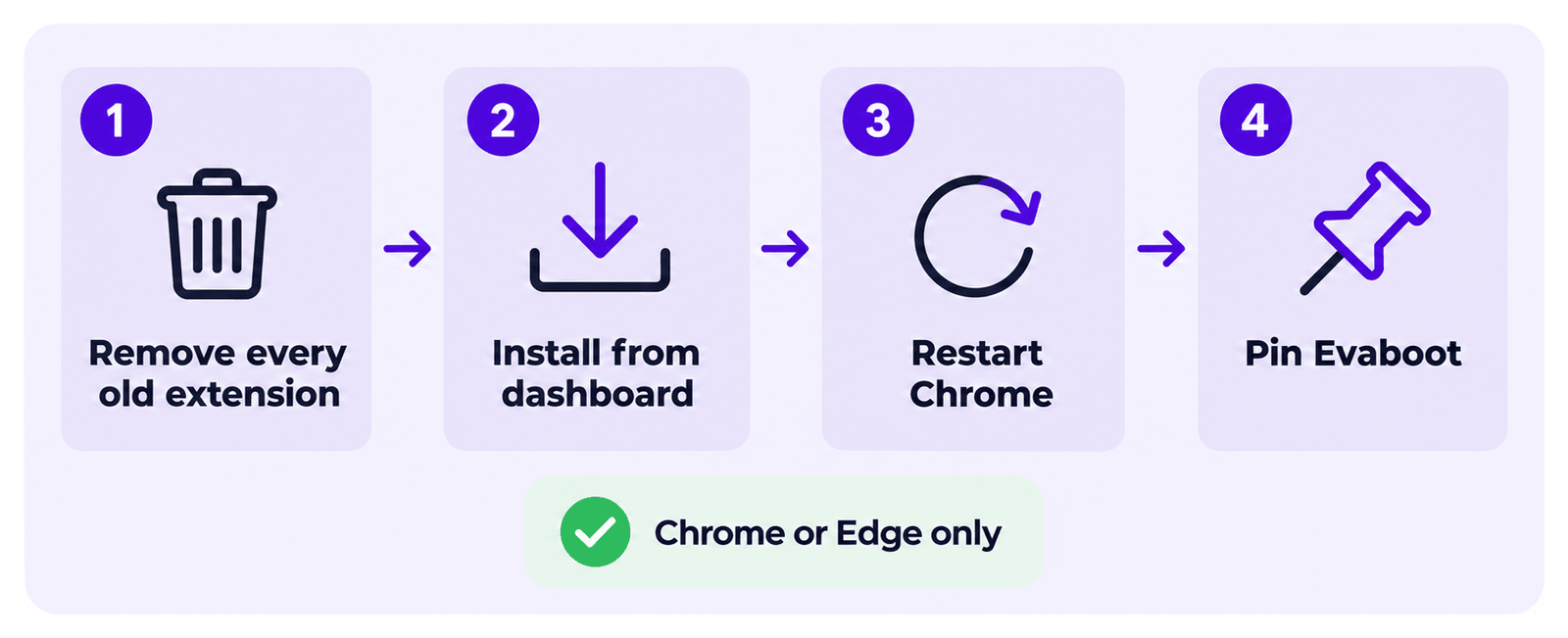
Remove every Evaboot extension you find.
- Click Remove, then confirm.
- Do this for all of them, not just the one that looks wrong.
- The listing has been reissued under different names, so old copies do not all look alike.
-
Install the current version from your dashboard: Add the Evaboot extension to Chrome. Click Add to Chrome, then Add extension.
-
Restart Chrome, then reload Sales Navigator.
-
Pin it. Click the puzzle-piece icon in the Chrome toolbar and pin Evaboot so the button stays visible.
Install from the dashboard, not from a store search
Section titled “Install from the dashboard, not from a store search”Old Chrome Web Store listings stay searchable after they stop working. Searching the store for “Evaboot” can give you a version that no longer installs. Always install from the dashboard link in step 4.
If it didn’t work
Section titled “If it didn’t work”- No Evaboot button on Sales Navigator → hard-reload the page (
Cmd+Shift+R/Ctrl+Shift+R) and check the extension is enabled atchrome://extensions/. - The export pulled the wrong list → two Evaboot extensions installed at once is almost always the cause. Repeat steps 2 to 5, then relaunch the export from the search you want. Still wrong with only one extension? Tell us in the chat, with the export name and the Sales Navigator search URL.
- The store page shows an error → the listing has probably just been reissued. Tell us in the chat.
- Anything else → log out of LinkedIn, log back in, then reconnect Evaboot. This often fixes it.
Still not working? Let us know in the chat and we will pass it to our developers.